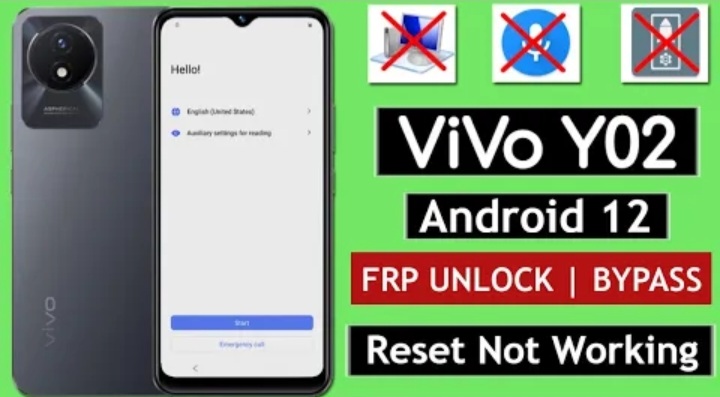
Vivo Y02 Pro FRP Bypass // UnLock Google A/C Lock without PC _ Reset Option _ Not Working _ New Method 2023…. Vivo Y02 FRP Bypass Fix Activity Launcher SetUp Fail _ 2023 this Problem is Solved By Team KMT in English…..
Welcome to Krish Mobile Training Institute.This is My Vivo Andriod SmartPhone Unfortunately i forgot My Phone Password i forgot my Phone Lock Screen Password which is why i can’t use this Phone.If you have forgotten the Password of your Phone then my BLOG.Today on http://VIVO Y02 FRP BYPASS NEW METHOD 2023 Use it to Unlock the Phone.So,let’s Start the BLOG on How to Unlock the Phone by Hard Reset.If you forgot the Password Now,i will Show you How to Unlock this Model Smartphone.
DISCLAIMER :-
This is Tutorial BLOG for Educational Purpose only,try this Method only to Unlock your own Phone.Don’t try this Method on Stolen Phones.This is Serious Crime,if you are trying to unlock a stolen Phone you may also be Jailed.
Step 1:-
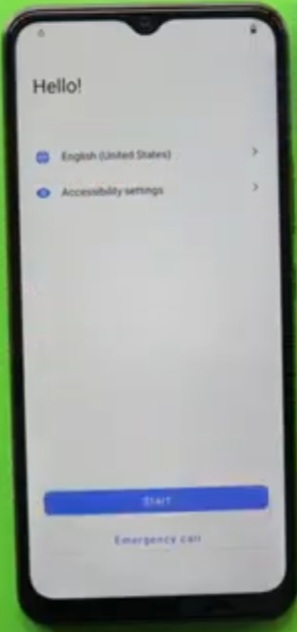
- Hello _ Click on Start.
- Select Your Location _ Click on Next.
- Agreement & Terms _ Click on Agree.
- Connect to Wi-fi.
- Click on Connect.
- Getting Your Phone Ready……..
- Just a Sec.
- Copy Apps & Data _ Click on Next.
- Checking Info.
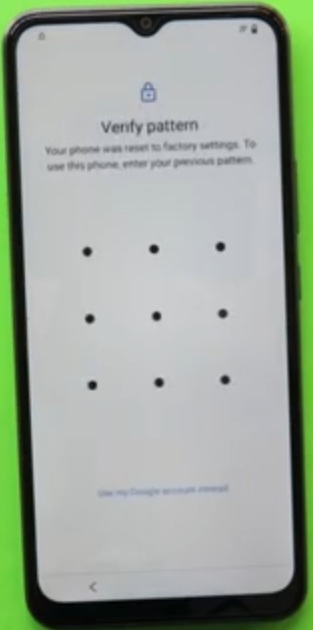
- Verify Pattern _ Use my Google Account Instead.
- Checking Info.
- Google Verify Your Account _ ( E-mail or Phone ).
- Go To The Home Screen _ Hello !.

Step 2:-
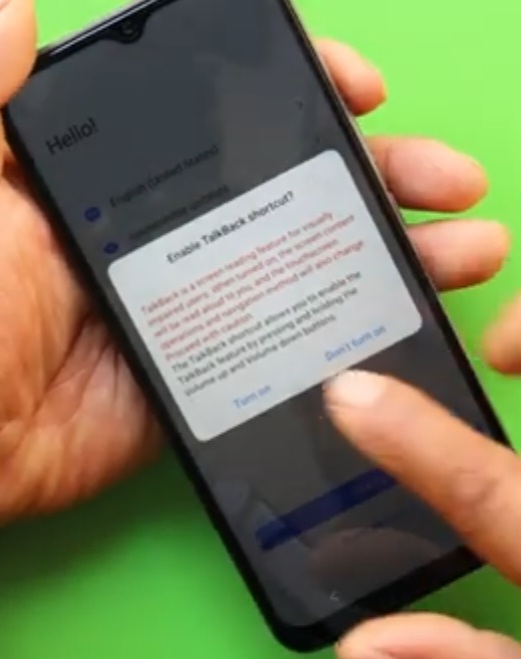
- Enable Talk Back _ Click on Turn on.
- Using Vol + & Vol – Talk Back Mode on _ Click on Allow Andriod Accessibility suito to Record Audio.
- Click on While Using this App.
- Again Click on While Using this App.
- Click on Talk Back Mode is on _ Click on Use Talk Back Mode Settings.
- Welcome to Talk Back.
- Google Assistant ( Say Google Assistant ).
- Swipe Up _ Click on Use Talk Back Mode Settings.
- Talk Back Mode is on _ Say Google Assistant.
- Double tap on Click on use Without Google Account.
- Click on Disable Talk back _ Click on Google Go _ Click on Close.
- Talk Disabled – Hi, What can I Do for You ? _ Speak in The Phone.
- Type a Message _ Type Open Settings _ Click on Settings _ Click on System.
- Now, Reset Method is not Working.
- Click on Reset Options _ Click on Phone Clone _ Click on Easy Share.

Step 3:
- This is New device _ Click on Andriod _ Click on Permisions _ Click on Got it.
- Select Old Phone item – Click on While Using this App – Again Click on While Using this App.
- Click on Allow _ Scan the QR Code on your Old Phone –
Step 4:
Krish Mobile Training Institute
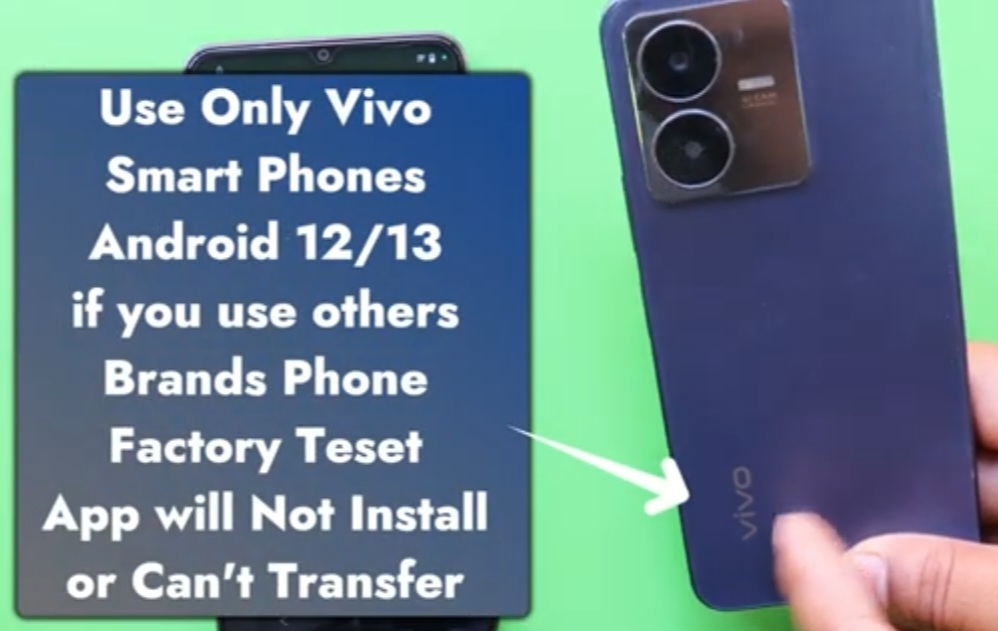
- 2.D_ Swipe Up – Click on Chrome – Search KMT – Click on KMT – Now Download 2 Apps.
- 1 > Quick ShortCut Maker, 2 > Factory Test.
- Click on Download – Click on Settings – Click on Downloads – Click on Home Button – Swipe Up.
- Google Apps _ Click on Allow _ Click on Apps – Click on Internal Storage.
- Click on Quick Short Cut Maker – Click on Home Button – Google Apps – Click on Allow – Click on Internal Storage Safe Folder – ( Com Quick acqo Engineer Mode …. 1.5.7m ) – Click on Allow.
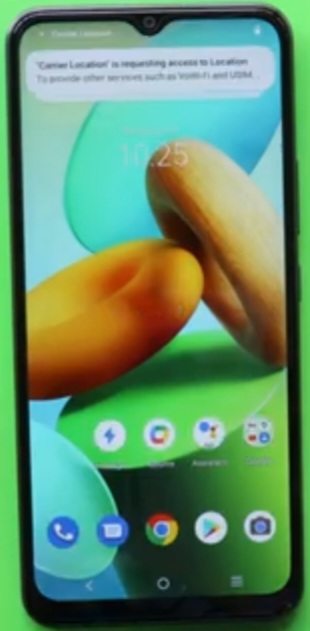
- Click on Quick Short Cut Maker – Click on Allow – Open Easy Share – Click on Start.
Step 5:
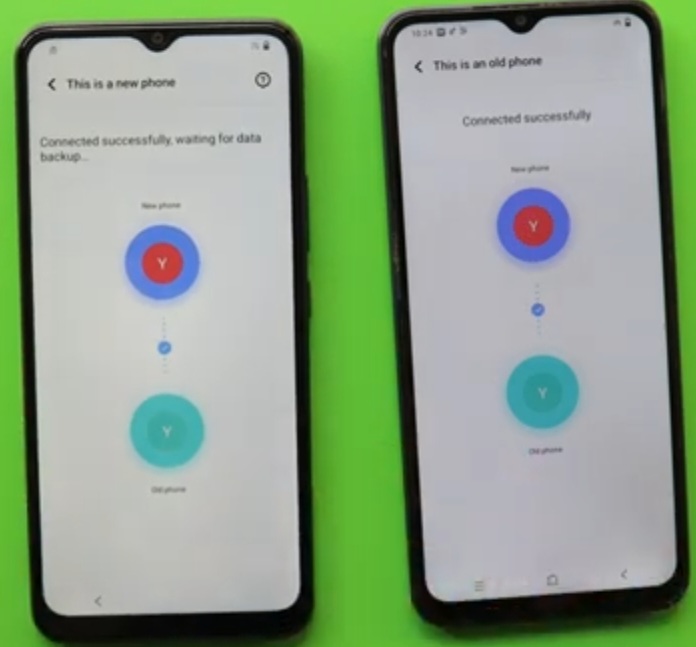
- Click on Phone Clone – This is Old Phone – Connect by Scanning QR Code – Click on Connecting.
- This is a New Phone – 2.D _ This is an Old Phone – Some Apps are incompatible – Click on Got it.
- Disable Apps – Select Apps – Click on Ok – Click on Start Phone Clone – Tips ( Click on Ok ).
- 1.D _ Click on Permissions – This is an Old Phone 1.D _ Stop Interesting – Click on Allow.
- 2.D _ Sending ( C;oning Completed ) – Click on Apps – Click on Short Cut Maker – Click on Ok – Search Type Engineering – Click on Factory Set – Click on Try.
- Click on Engeneering Test – Back to Home Initialize to English – Loading.
FOR MORE INFORMATION :-
Stay Tuned By subscribing to Our KMT Favor Youtube Channel for Tutorial Tips & Tricks to UnLock More New SmartPhones Like this, http://www.youtube.com/@krishmobiletraininginstitute.