
Hello Every One ,
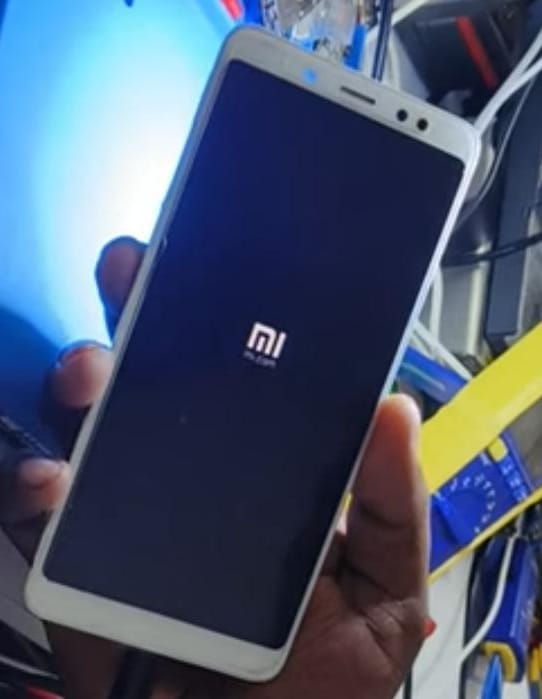
𝑻𝒐𝒅𝒂𝒚 𝑳𝒆𝒕 𝑼𝒔 𝑺𝒐𝒍𝒗𝒆 𝑹𝒆𝒅𝒎𝒊 𝑵𝒐𝒕𝒆 5 𝑷𝒓𝒐 𝑯𝒂𝒏𝒈 𝑶𝒏 𝑳𝒐𝒈𝒐 𝑷𝒓𝒐𝒃𝒍𝒆𝒎.
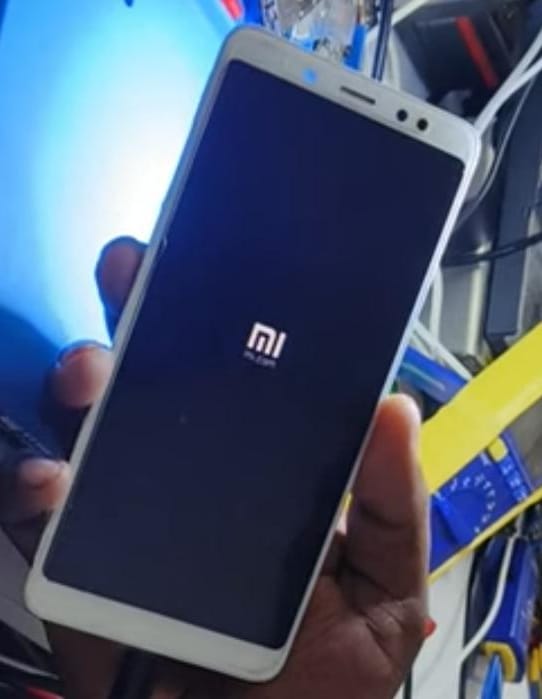
- This is a redmi note 5 pro mobile customer who brought it to the shop saying that the logo came and remained the same.
- The technician received that mobile and checked the health of the mobile without removing the chip.
- but health is not good.checked in easy jatg plus 2.
- SLC comes with 20 and 30% and MLC comes with 0 and 10%.
- This means removing the EMMC, reprogramming it and doing a one time partition.
🅽🅾🆆 🅻🅴🆃'🆂 🆂🅴🅴 🆃🅷🅴 🆂🅾🅻🆄🆃🅸🅾🅽 :-
- First open the mobile back panel.
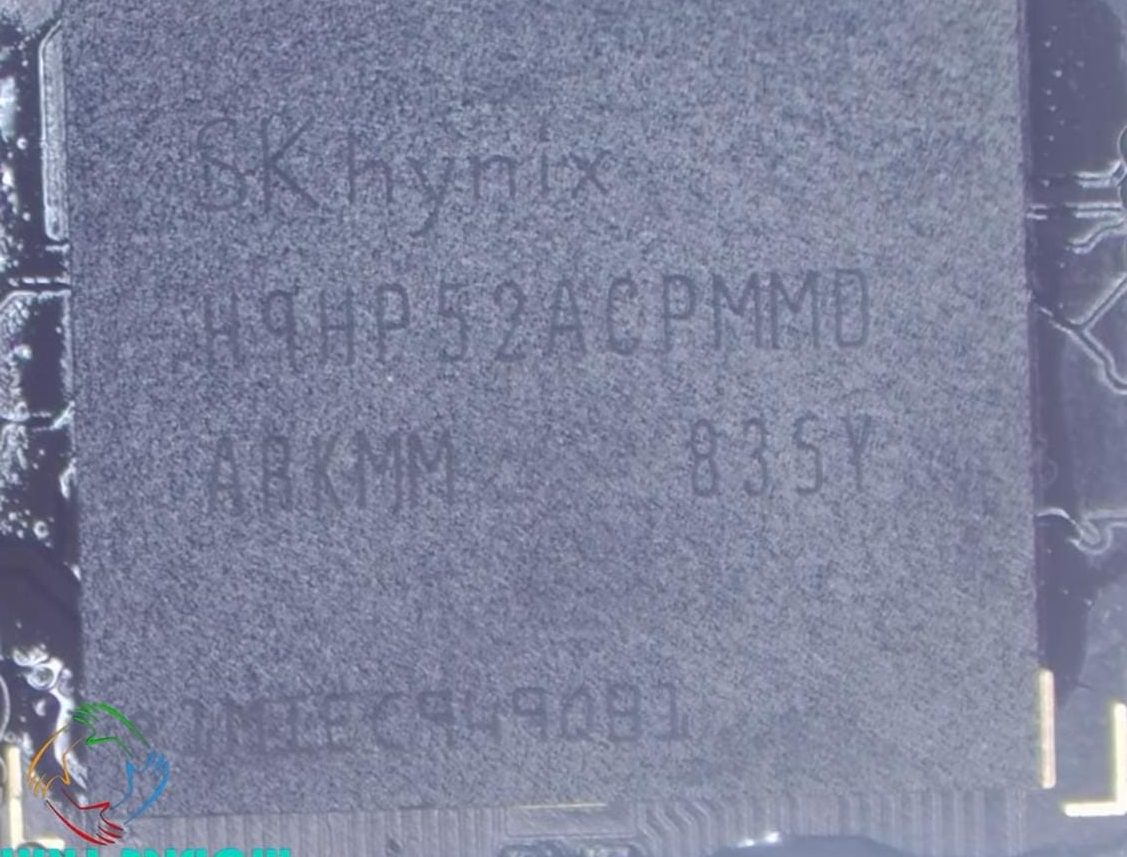
- Now we have to go to EMMC and remove the EMMC.
- Now take some flux paste on the EMMC and heat with the blower.
- remove the emmc. Clean the prints clearly and neatly.
- clean the emmc too.with flux paste and wick.
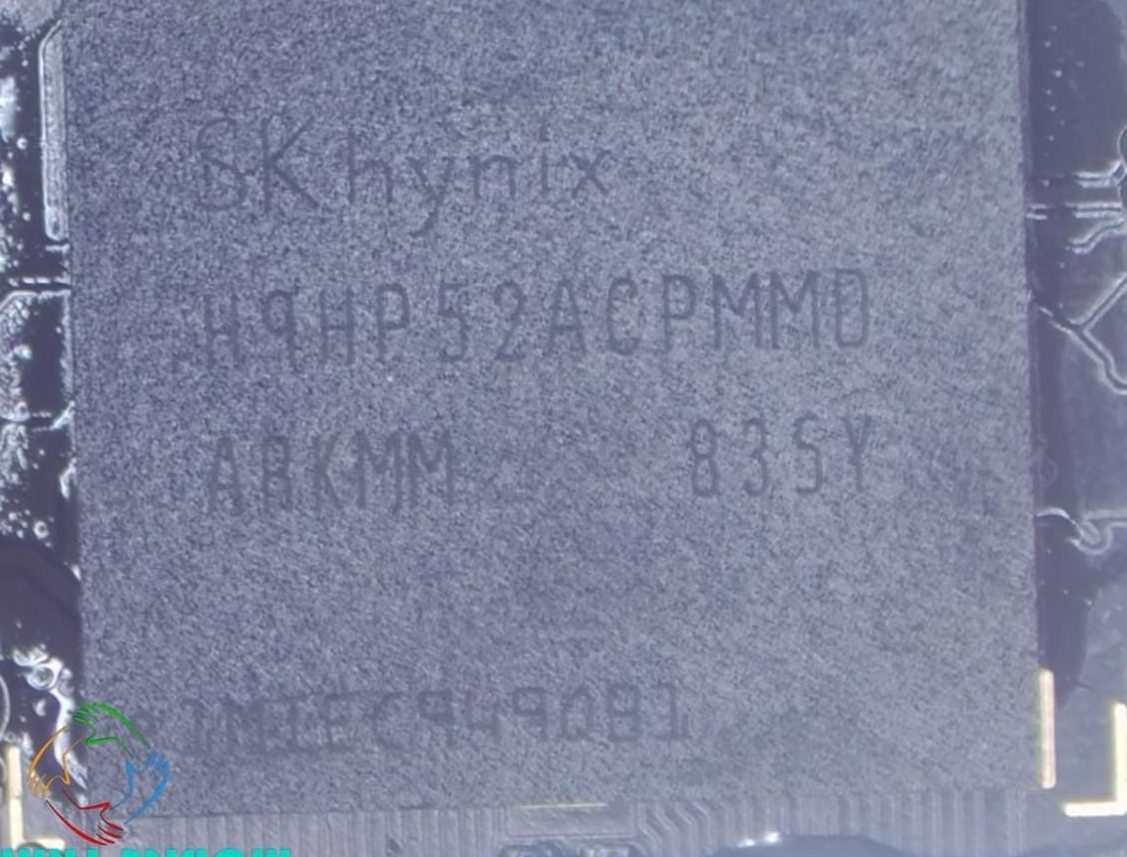
- take the emmc stencil.
- The stencil should be fixed to the EMMC without moving.
- apply ppd paste and slowly heat with the blower quick 857dw+.
- .then remove the stencil on emmc. fix in the UFI box .
- There is an error in the UFI box.
- next open the easy j tag plus 2 box.
- We have done a one time partition in Easy j tag box.

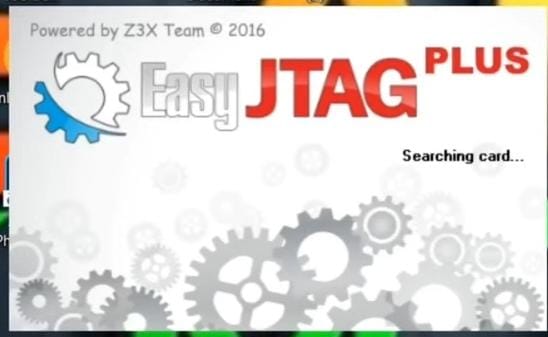
- Security and dump files should be backed up in the box easy j tag box.
- will see there All of this partition is also backed up in our system
- after reading the security and dump files , then do the one time partition.
- re right the security files and dump files. health is also ok.
- All backed up security files and dump files should also be right into the chip.
- then after chip fix to the board.
- when we are removing the emmc and refix the emmc heat must me in low temperature.
- why because If the heat is too much, the EMMC will be dead.
Krish Mobile Training Institute
- Now we are trying to flash full flash in a UMT QC file.
- If the EMMC sits perfectly then there will be no errors. If the EMMC is not seated correctly, errors will occur.
- If we connect the mobile to the computer, we have to take the direct port, if the wave is taken, it means that the chip is properly seated.
- Now the direct port has been taken.flashing is running automatically.
- successfully flasing is over.
- now lets see mobile turn on or not .
- Have to check whether the IMEI has arrived or not.
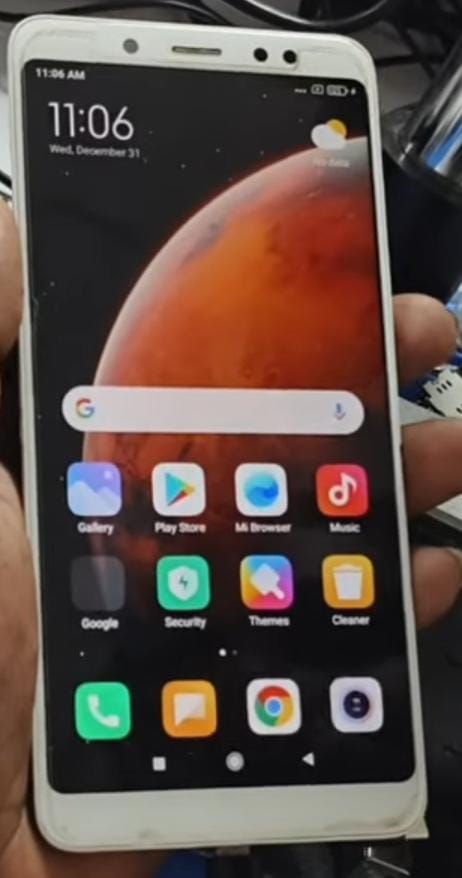
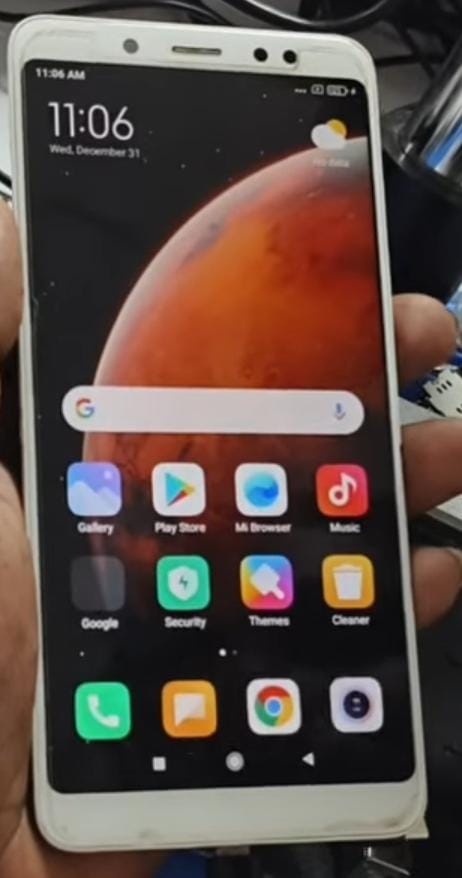
- successfully mobile turn on and hang on logo problem is solved .
- customer is happy.
█▓▒▒░░░Video Link Is Given In The Below░░░▒▒▓█
thank you.
𝓡𝓔𝓓𝓜𝓘 𝓝𝓞𝓣𝓔 5 𝓟𝓡𝓞 𝓗𝓐𝓝𝓖 𝓞𝓝 𝓛𝓞𝓖𝓞 𝓘𝓢𝓢𝓤𝓔.
అందరికి నమస్కారం,
ఈరోజు మనం 𝑅𝐸𝒟𝑀𝐼 𝒩𝒪𝒯𝐸 5 𝒫𝑅𝒪 𝐻𝒜𝒩𝒢 𝒪𝒩 𝐿𝒪𝒢𝒪 సమస్యను పరిష్కరిద్దాం.
- ఇది రెడ్మీ నోట్ 5 ప్రో మొబైల్ కస్టమర్, లోగో వచ్చి అలాగే ఉందని చెప్పి షాప్కి తీసుకొచ్చాడు.
- టెక్నీషియన్ ఆ మొబైల్ అందుకున్నాడు. మరియు చిప్ తీయకుండా మొబైల్ Health Check చేశాడు.
- కానీ Health బాగోలేదు.EASY J TAG PLUS 2 లో చెక్ చేయబడింది.
- SLC 20 To 30% తో వస్తుంది మరియు MLC 0 To 10% తో వస్తుంది.
- అంటే EMMC ని తీసివేయడం, దాన్నిRe Programming చేయడం మరియు One Time Partition చేయడం.
✌ఇప్పుడు పరిష్కారం చూద్దాం✌:-
- ముందుగా మొబైల్ బ్యాక్ ప్యానెల్ ఓపెన్ చేయండి.
- ఇప్పుడు మనం EMMC దగ్గరకి వెళ్లి EMMCని తీసివేయాలి.
- ఇప్పుడు EMMC మీద కొంత Flux paste తీసుకొని Blower తో వేడి చేయండి.
- Emmcని తీసివేయండి. ప్రింట్లను స్పష్టంగా మరియు చక్కగా శుభ్రం చేయండి.
- Flux Paste మరియు Wick తో Emmcని కూడా శుభ్రం చేయండి.
- Emmc స్టెన్సిల్ తీసుకోండి.
- స్టెన్సిల్ కదలకుండా EMMCకి స్థిరపరచబడాలి.
- PPD పేస్ట్ను Apply చెయ్యాలి.మరియు BLOWER QUICK 857dw+తో నెమ్మదిగా వేడి చేయండి.
- తర్వాత Emmcపై ఉన్న స్టెన్సిల్ని తీసివేయండి. UFI బాక్స్లో స్థిరపరచబడాలి.
- UFI బాక్స్లో Error వస్తుంది.
- తర్వాత Easy J Tag బాక్స్ను తెరవండి.
- మనం Easy J Tag box lo one time partition చేద్దాం.
- సెక్యూరిటీ మరియు డంప్ ఫైల్లు Easy J Tag Box లో బ్యాకప్ చేయాలి.
- అక్కడ చూస్తారు ఈ Partition అంతా కూడా మన సిస్టమ్లో బ్యాకప్ చేయబడింది.
- సెక్యూరిటీ మరియు డంప్ ఫైల్లను Read చేసిన తర్వాత, One time partition చేయండి.
- భద్రతా ఫైల్లు మరియు డంప్ ఫైల్లను Re Right చెయ్యండి.Health కూడా బాగానే ఉంది.
- బ్యాకప్ చేయబడిన అన్ని భద్రతా ఫైల్లు మరియు డంప్ ఫైల్లు కూడా చిప్లోకి Right చెయ్యాలి.
- బోర్డుకి చిప్ ఫిక్స్ చేసిన తర్వాత.
- మేము Emmcని తీసివేసి, Emmc రీఫిక్స్ చేసినప్పుడు హీట్ని తక్కువ ఉష్ణోగ్రతలో ఉండాలి.
- వేడి ఎక్కువగా ఉంటే, EMMC DEAD అయిపోతుంది.
- ఇప్పుడు మేము UMT QCN ఫైల్లో పూర్తి ఫ్లాష్ని ఫ్లాష్ చేయడానికి ప్రయత్నిస్తున్నాము.
- EMMC సంపూర్ణంగా కూర్చుంటే Error ఉండవు. EMMC సరిగ్గా కూర్చోకపోతే,Errors సంభవిస్తాయి.
- మొబైల్ ని కంప్యూట ర్ కి క నెక్ట్ చేస్తే డైరెక్ట్ పోర్ట్ తీసుకోవాలి, అలా తీసుకుంటే చిప్ స రిగ్గా సెట్ చేయబడింది అని అర్థం.
- ఇప్పుడు Direct POrt తీసుకోబడింది.flashing automatic గా run అవుతోంది.
- విజయవంతంగా Flashing ముగిసింది.
- ఇప్పుడు మొబైల్ ఆన్ చేయబడిందో లేదో చూద్దాం.
- IMEI వచ్చిందో లేదో చెక్ చేసుకోవాలి.
- విజయవంతంగా మొబైల్ ఆన్ చేసాము, hang on logo సమస్య పరిష్కరించబడింది.
- కస్టమర్ సంతోషంగా ఉన్నాడు.
»»»వీడియో లింక్ క్రింద ఇవ్వబడింది»»»
ధన్యవాదాలు