All Redmi Xiaomi 14/13T/12/11/10/11/13C/12C MIUI 14 FRP Unlock /Bypass Google Account Lock Without PC Problem Solved By Team KMT In English
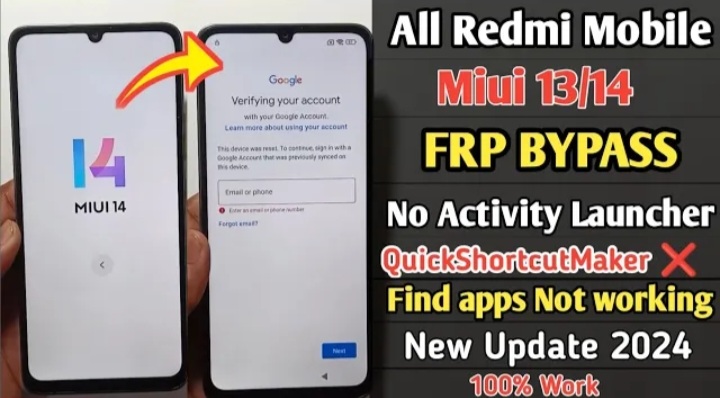

This is All Redmi 14/13T/12/11/10/13C/12C Mobile.The Customer Brought this Mobile to our Institute.The Technician saked the Customer what is the problem with the Mobile.The Customer Said that, whenever the Mobile is Powered on Accidentally I forget My Mobile Lock due to some Reasons sir.Some how i tried all the PIN Numbers that i remember but,it didn’t work for me sir.what can i do or i brought the Mobile to our Institute Sir.
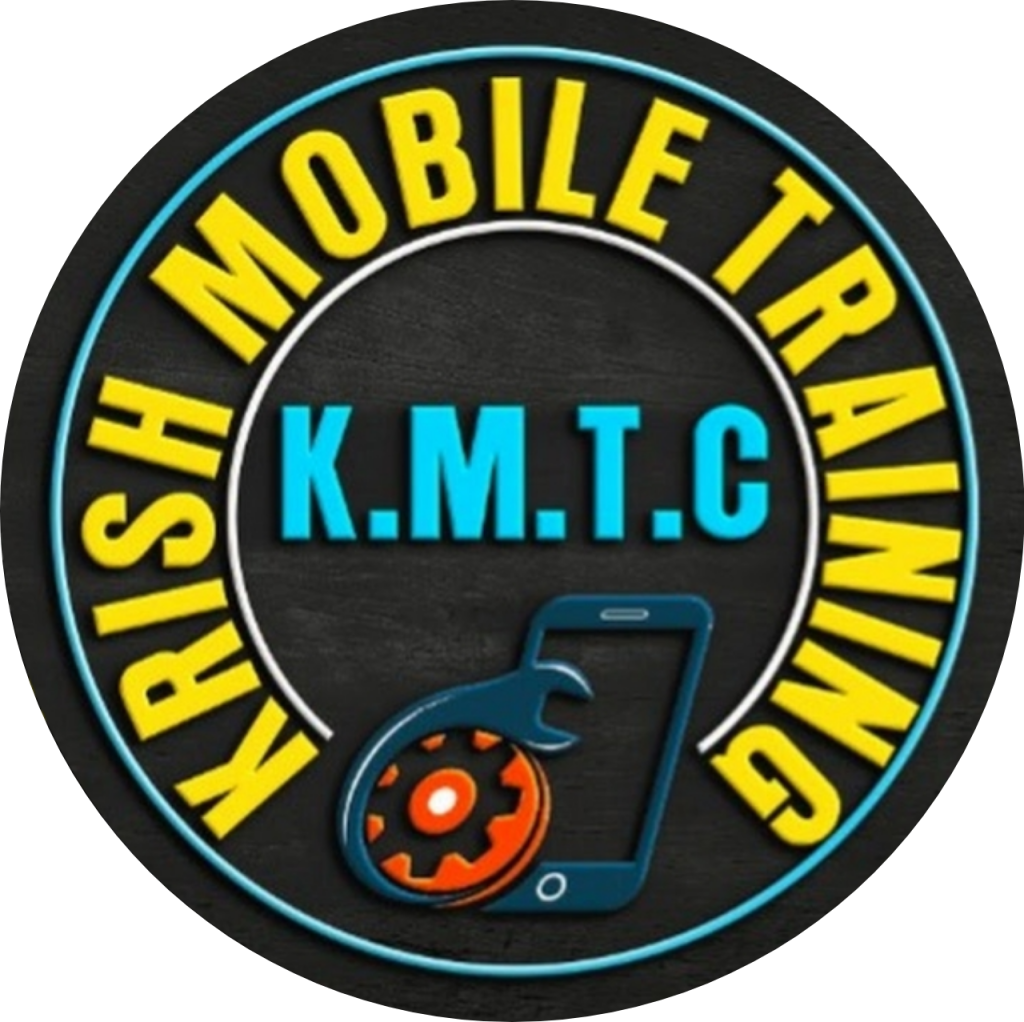
Today we will learn how to FRP Unlock Redmi 13T/12C/13C/14/11/12/10 5G Bypass through this Blog Step by Step Very Simple & Very Easy Tricks.To Unlock Some Mobiles we do Software Applications Automatically.But,otherthan that,let’s learn how to Unlock Using Only Lock Button without using any Tools & Mechines.
A Customer asked us to make a Redmi 13C 5G Mobile to our Institute and the Condition of the Mobile When it came to us was as Follows.So,the technician Said he will Check the Mobile and Repair it.
Krish Mobile Training Institute
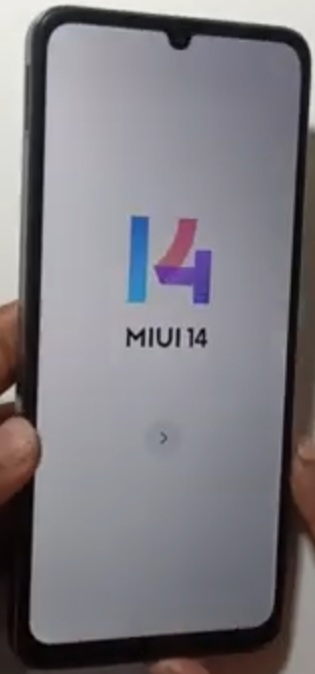
Step 1:
- Click on Backward Buton ( < ) – Choose Language ( English ).
- Choose Your Region – Setting Region – Click on Farward Button ( > ) .
- Terms & Conditions – Click on Farward Button ( > ) .
- Checking For SIM Card …… – Skip this step – Click on Farward Button ( > ).
- Connect to Network – Enter Password – Click on Farward Button ( > ).
- Geting Your Phone Ready – Copy Apps & Data – Click on Don’t Copy – Checking Info
Step 2:
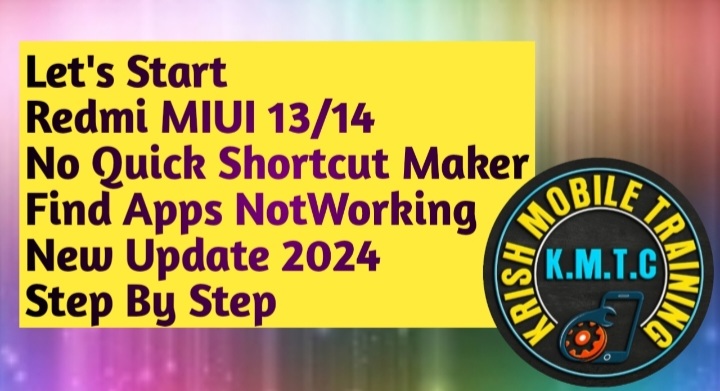
- Unlock after Factory Reset – Use Google Account – Checking Info – Google verifying your Account
- Click on Backward Button ( < ) – Again Click on Backward Buton ( < ) – Again Click on Backward Buton ( < ) – Again Click on Backward Buton ( < ) – Again Click on Backward Buton ( < ) -Again Click on Backward Buton ( < ) – Again Click on Backward Buton ( < ) –
- Insert SIM – Swipe Down – Click on Settings – Click on About Phone – Click on Backward Button ( < ).
- Click on Google – Click on Help ( at right Corner top of your Mobile ) – how to recover Your Google Account ( or ) G-Mail.
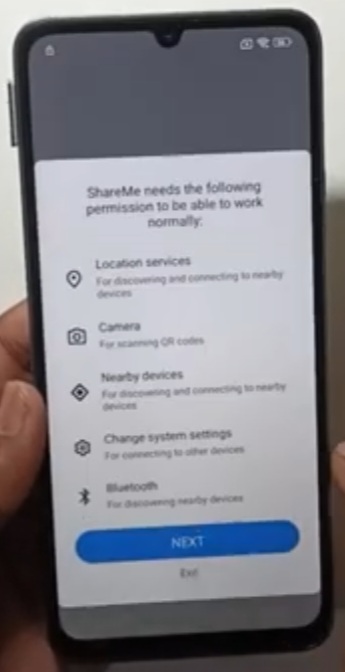
- Click on Share Article – Click on Shareme – Click on Agree – Click on Next – Click on while Using this App – Click on Next.
Step 3:
- Click on Can Modify System Settings – Allow Modifying System Settings – Click on Backward Button (< ).
- Click on While Using this App – Click on Next – Click on Backward Button ( < ) – Click on Next.
- Click on Allow – Click on Next – Click on Allow – Turning on Network – Scan QR code to Connect.
- Click on Play Store – Install Activity Launcher – Install ShareMe – Click On Open – Click on Agree.
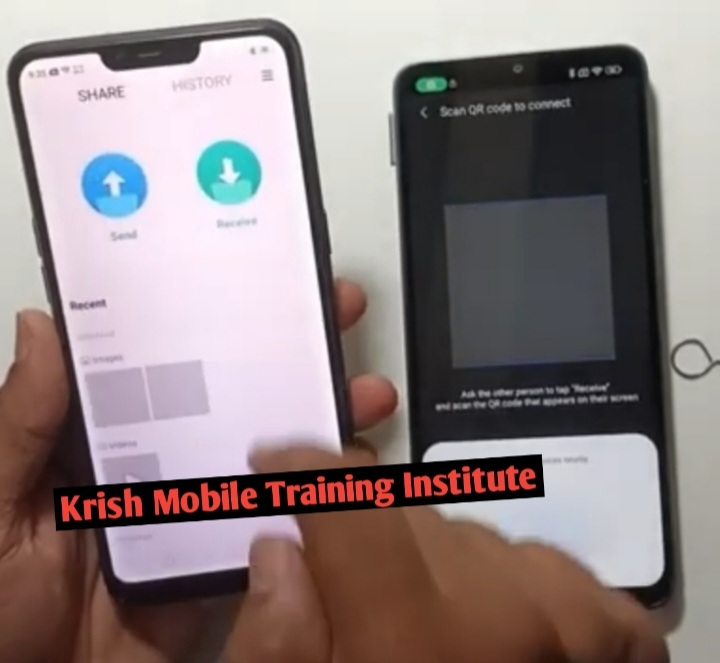
- Click on Don’ t Agree – Click on Allow – Click on Allow – Click on Receive.
- Waiting to Connect ( CPH 1234 ) – Scan QR Code to Connect – Connecting to device – Connect – Connecting to Device.
Step 4:
- ( X ) High Speed Transfer – Click on Share More Files – Click on Share Files – Select Items.
- Click on Activity Launcher – Click on Next – Install Activity Launcher – Click on Ok.
- Search Second Space – Second Space Finger Print – Set Finger Print – 14 MIUI 14
- Click on Farward Button ( > ) – Click on Settings – Click on Additional Settings – Factory Reset.
- Click on Backward Button ( < ) – Again Click on Backward Button ( < ) .
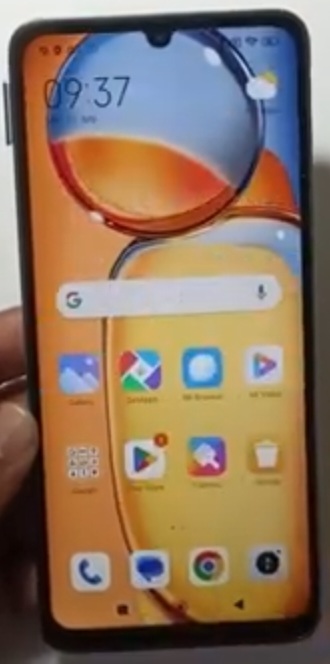
If you want to see More Videos then Click on our Youtube Channel Link, www.youtube.com/@krishmobiletraininginstitute.