Hello Every One ,
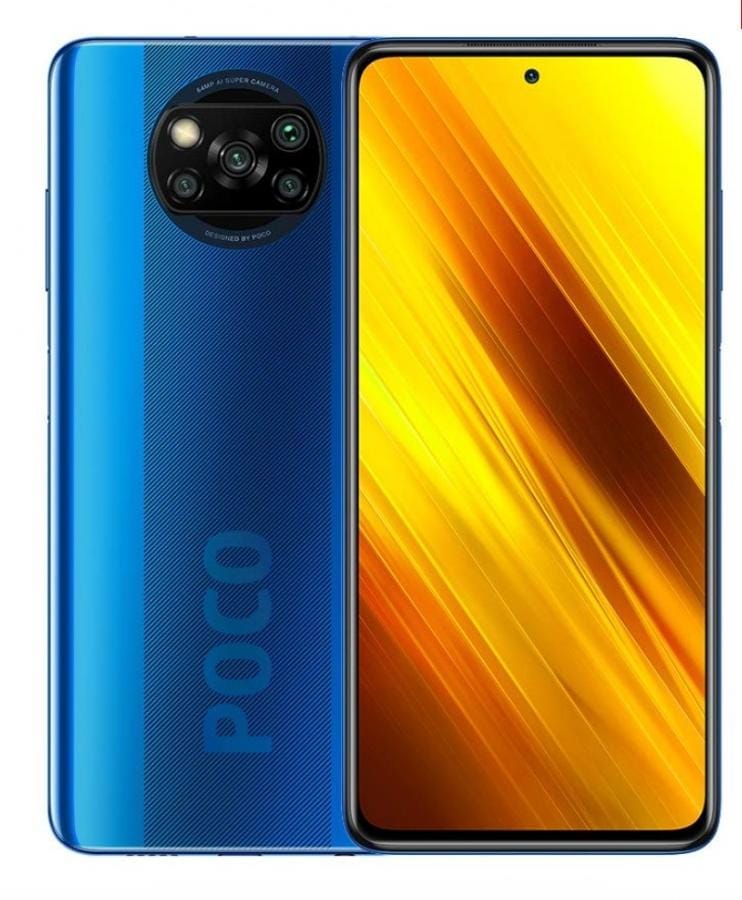
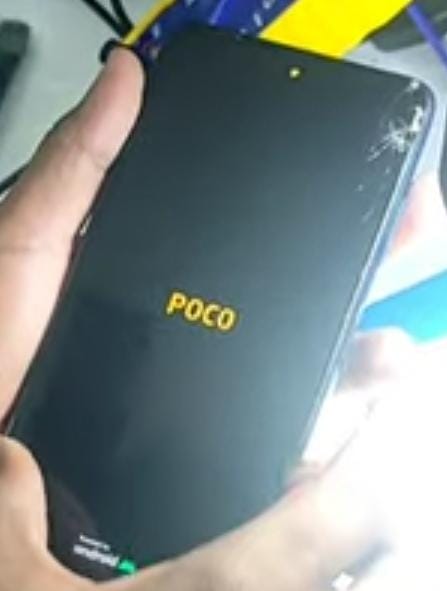
This is Poco X3 mobile. The customer brought this mobile to our shop. The technician asked the customer what the problem was.The customer said that the front camera is not working and the audio is not playing on the mobile.The technician said that he will check the mobile and solve the problem.

Now let's solve the problem in this mobile :
- First Open The Mobile Back Panel.
- First We Need To Measure The Gr( Ground Resistance ) Value On The Pins On The Camera Connector With A Multimeter.
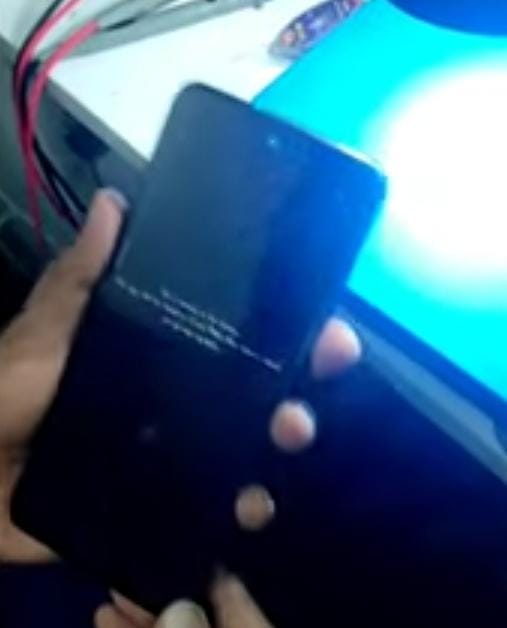
- If You Turn On The Mobile And Open The Camera, The Back Camera Will Open. If You Open The Front Camera, You Get An Error Warning And Then It Goes Back.
- and audio also not working.
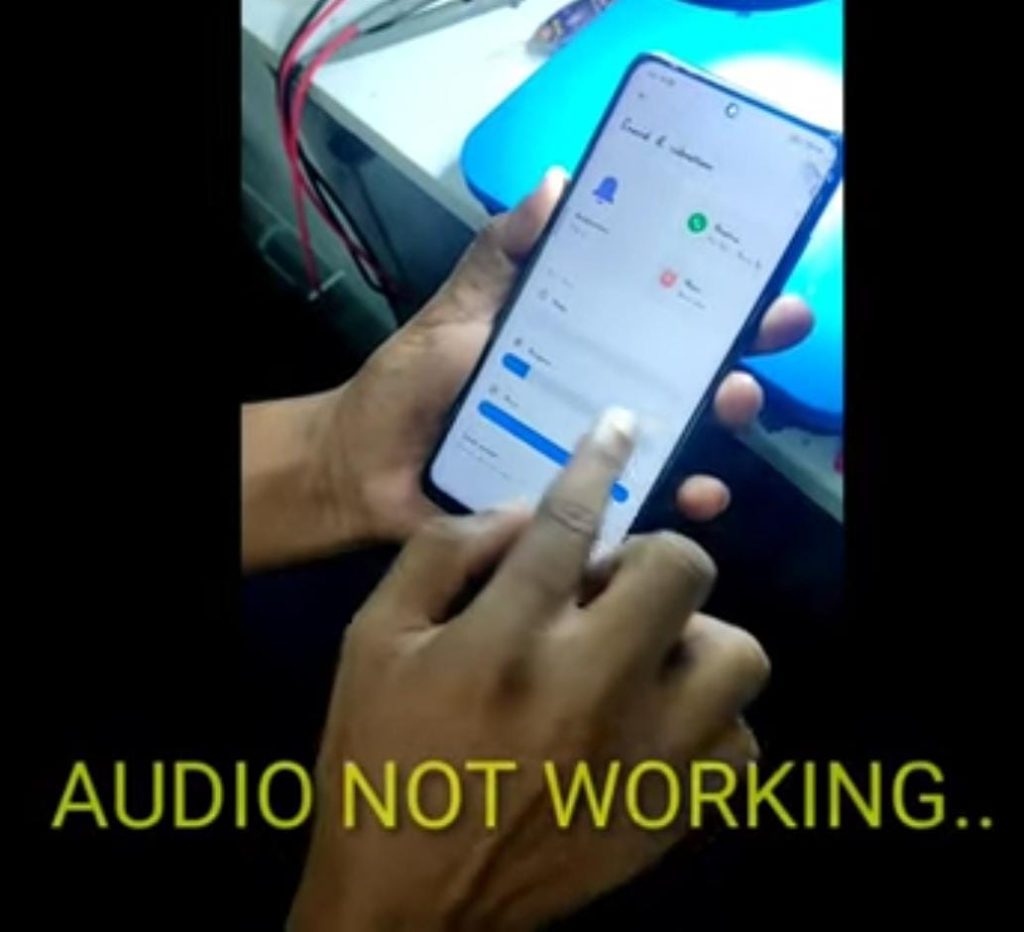
- Normally these problems are common in Poco X3 mobile.
- So what is the solution to this problem is to make the cpu reball and refix.
Krish Mobile Training Institute
Now Let's Reball cpu and Make a Refix :
- Now Let’s Do If We Are Cpu Reball.
- First Let’s Take The Cpu Stencil. Take The Stencil And Put It On The Cpu.
- The Stencil Should Be Placed On The Cpu And Kept Still.
- After Keeping It Like That, Apply A Little Ppd Paste.
- Heat With A Quick 857 Dw+ Blower After Applying The Ppd Paste.
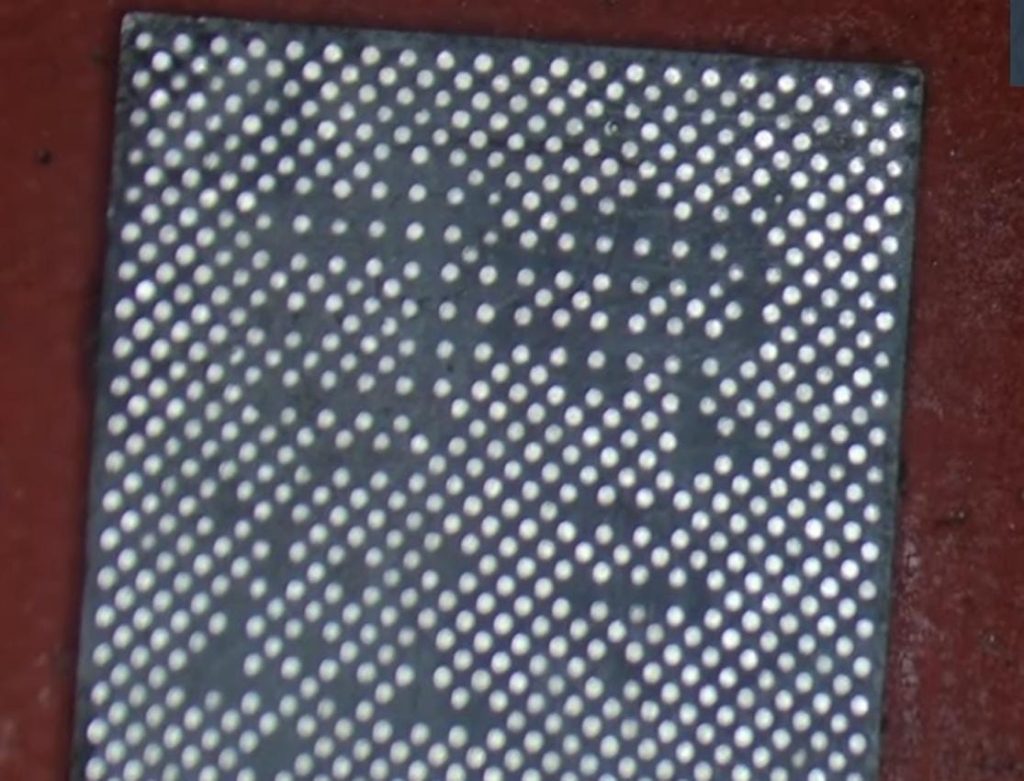
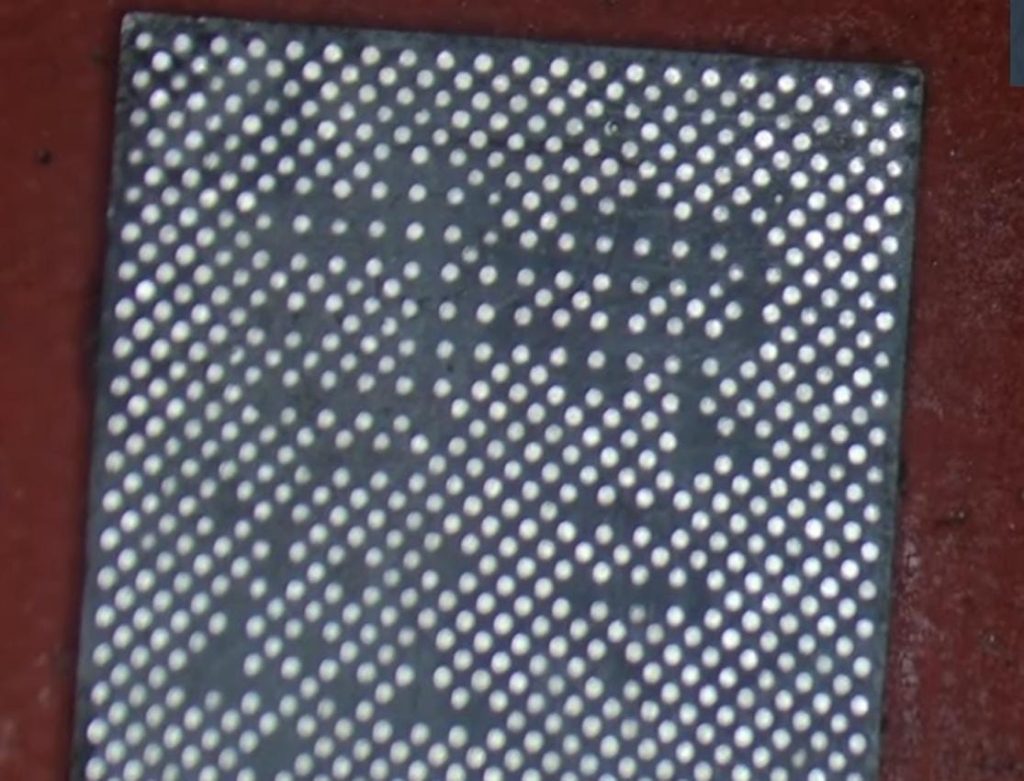
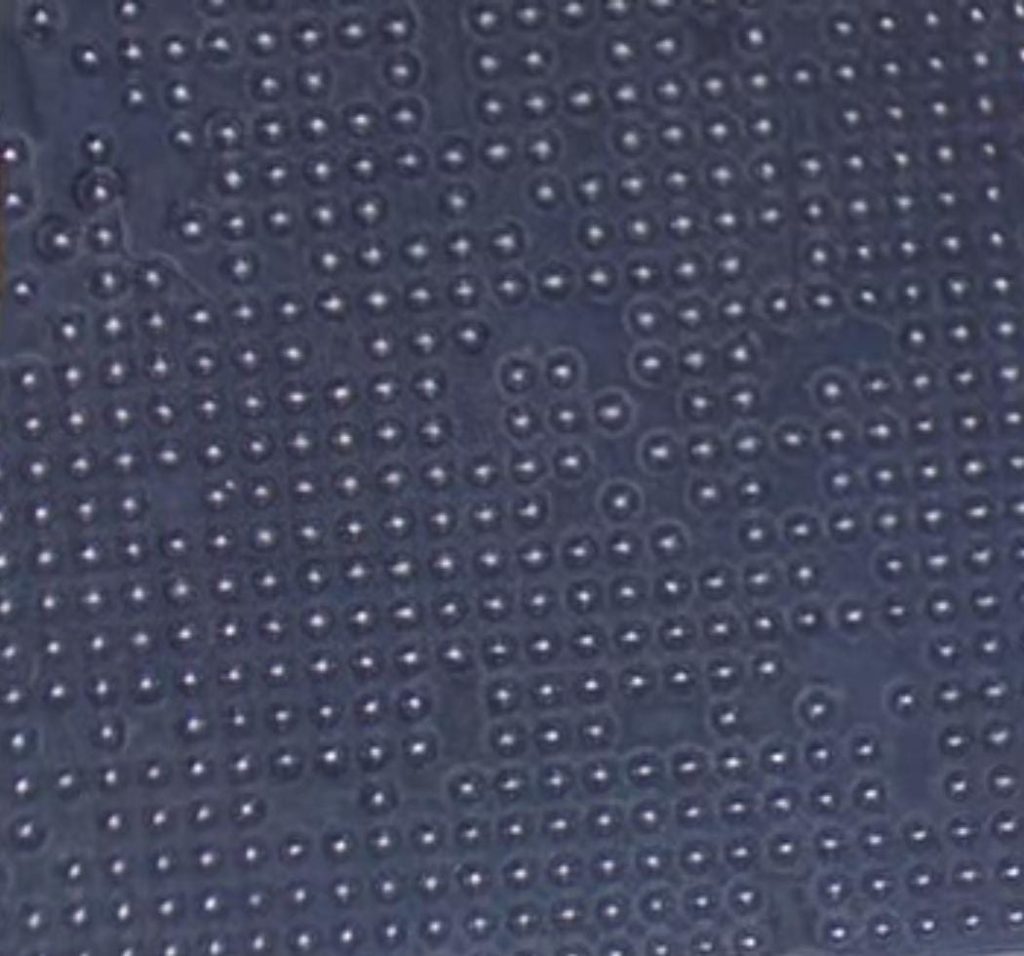
- The Balls Inside Are Ready.If The Balls Do Not Come Out Properly Then Again Apply Ppd Paste On The Stencil And Heat It With Blower.
- A Few Balls Will Fall On Top Of The Stencil. They Should Be Cut With A Surgical Blade.
- Then Heat Again With Blower. After Confirming That All The Balls Have Arrived Correctly, Remove The Stencil Slowly.
- Cpu Reball Is Over.

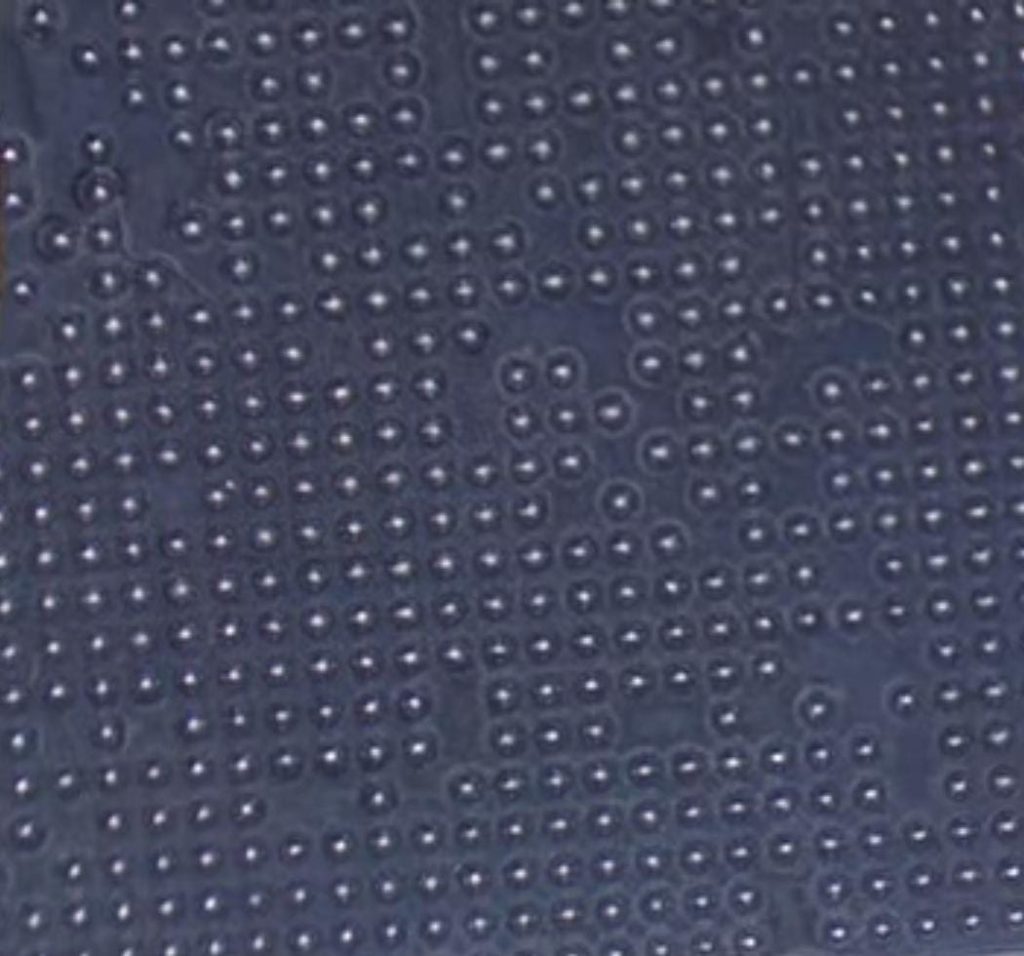
- Now Let’s Fix The Cpu To The Board.
- Add Flex Paste On Top Of Cpu Pad And Heat It With Blower.
- The Cpu Should Be Placed On The Cpu Pad Facing The Direction One.
- Add Some Flex Paste On Top Of The Cpu And Heat It With A Blower Quick 857 Dw+ .
- Cpu Should Move And Set The Same.
- If It Is Set Like That, It Means That The Cpu Is Sitting.
- Cpu Refix Is Over.
If you want to See More Videos then Click on This Link :-www.youtube.com/@krishmobiletraininginstitute.
- Now Let’s Connect The Board To The Mobile And Connect The USB Cable And See If The Mobile Turns On Or Not.
- Mobile Turned On Successfully.
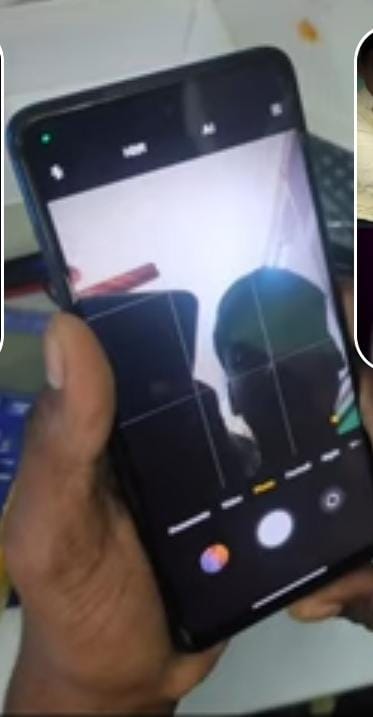
- Now Let’s Check If The Front Camera Turns On.
- Successfully The Front Camera Is Opened.
- Customer is happy.

VIDEO LINK IS GIVEN IN THE BELOW :
thank you by team k.m.t.
POCO X3 FRONT CAM AND AUDIO FIX BY TEAM K.M.T
అందరికి నమస్కారం ,
ఇది Poco X3 మొబైల్. కస్టమర్ఈ మొబైల్ను మా దుకాణానికి తీసుకువచ్చాడు. సమస్య ఏమిటని టెక్నీషియన్ కస్టమర్ని అడిగాడు.ముందు కెమెరా పనిచేయడం లేదని, మొబైల్లో ఆడియో ప్లే కావడం లేదని కస్టమర్ చెప్పాడు.మొబైల్ చెక్ చేసి సమస్య పరిష్కరిస్తానని టెక్నీషియన్ చెప్పాడు.
ఇప్పుడు ఈ మొబైల్లోని సమస్యను పరిష్కరిద్దాం:
- ముందుగా మొబైల్ బ్యాక్ ప్యానెల్ తెరవండి.
- ముందుగా మనం ఒక మల్టీమీటర్తో కెమెరా కనెక్టర్లోని పిన్లపై Gr (గ్రౌండ్ రెసిస్టెన్స్) వాల్యూస్ ని చూడాలి .
- మొబైల్ ఆన్ చేసి కెమెరా ఓపెన్ చేస్తే బ్యాక్ కెమెరా ఓపెన్ అవుతుంది. మీరు ఫ్రంట్ కెమెరాను తెరిస్తే, మీకు ఎర్రర్ వార్నింగ్ వస్తుంది మరియు అది మళ్ళీ వెనక్కి వెళ్లిపోతుంది.
- మరియు ఆడియో కూడా పనిచేయట్లేదు .

- సాధారణంగా ఈ సమస్యలు Poco X3 మొబైల్లో సర్వసాధారణం.
- కాబట్టి ఈ సమస్యకు పరిష్కారం ఏమిటంటే cpu reball మరియు refix చేయడం.
ఇప్పుడు cpu ని రీబాల్ చేసి రీఫిక్స్ చేద్దాము రండి :
- ఇప్పుడు మనం Cpu రీబాల్ అయితే చేద్దాం.
- ముందుగా Cpu స్టెన్సిల్ తీసుకుందాం. స్టెన్సిల్ తీసుకొని Cpu మీద ఉంచండి.
- స్టెన్సిల్ను Cpuపై ఉంచి అలాగే ఉంచాలి.
- అలా ఉంచిన తర్వాత, కొద్దిగా Ppd పేస్ట్ అప్లై చేయండి.
- Ppd పేస్ట్ని అప్లై చేసిన తర్వాత త్వరిత 857 Dw+ బ్లోవర్తో వేడి చేయండి.
- లోపల balls సిద్ధంగా ఉన్నాయి. balls సరిగ్గా రాకపోతే, స్టెన్సిల్పై Ppd పేస్ట్ను మళ్లీ అప్లై చేసి, బ్లోవర్తో హీట్ చేయండి.
- స్టెన్సిల్ పైన కొన్ని balls వస్తాయి. వాటిని సర్జికల్ బ్లేడ్తో కత్తిరించాలి.
- తర్వాత బ్లోవర్తో మళ్లీ హీట్ చేయండి. అన్ని balls సరిగ్గా వచ్చాయని నిర్ధారించిన తర్వాత, స్టెన్సిల్ను నెమ్మదిగా తొలగించండి.
- Cpu రీబాల్ ముగిసింది.
- ఇప్పుడు Cpuని బోర్డ్కి ఫిక్స్ చేద్దాము రండి .
- Cpu ప్యాడ్ పైన ఫ్లెక్స్ పేస్ట్ వేసి, బ్లోవర్తో హీట్ చేయండి.
- Cpu ఒక డైరక్షన్ చూసుకొని Cpu ప్యాడ్పై ఉంచాలి.
- Cpu పైన కొన్ని ఫ్లెక్స్ పేస్ట్ని జోడించి, బ్లోవర్ క్విక్ 857 Dw+తో హీట్ చేయండి.
- Cpu దానికి అదే కదలాలి మరియు అదే సెట్ చేయాలి.
- అలా సెట్ చేస్తే, Cpu కూర్చున్నట్లు అర్థం.
- Cpu రీఫిక్స్ ముగిసింది.
- ఇప్పుడు బోర్డ్ను మొబైల్కి కనెక్ట్ చేసి, USB కేబుల్ని కనెక్ట్ చేసి, మొబైల్ ఆన్ అవుతుందో లేదో చూద్దాం.
- మొబైల్ విజయవంతంగా ఆన్ చేయబడింది.
- ఇప్పుడు ముందు కెమెరా ఆన్ చేయబడిందో లేదో చూద్దాం.
- ముందు కెమెరా విజయవంతంగా తెరవబడింది.
- కస్టమర్ సంతోషంగా ఉన్నాడు.
వీడియో లింక్ క్రింద ఇవ్వబడింది :
ధన్యవాదములు by team k.m.t.