
Hello Every One ,
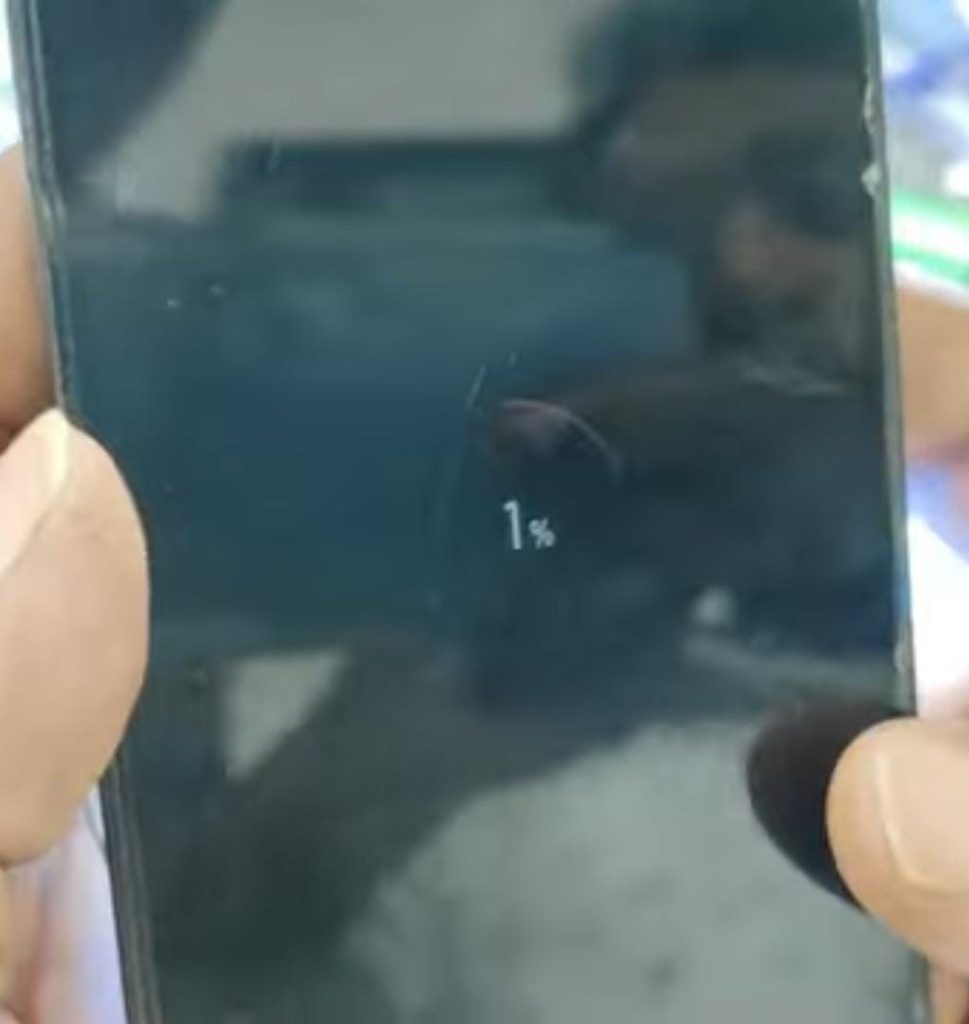
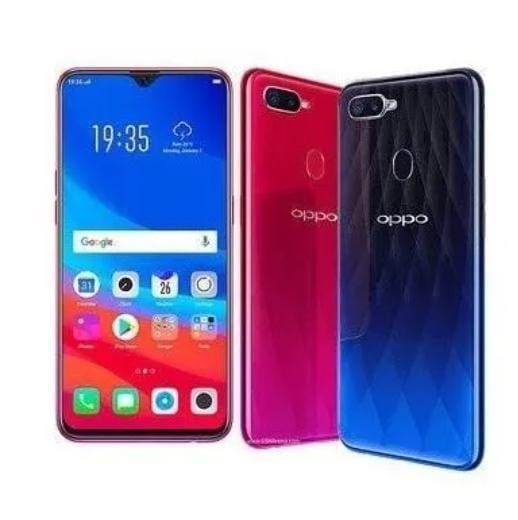
This is Oppo F9 mobile. The customer brought this mobile to our shop. The technician asked the customer what the problem was.It shows that the charger connected to the mobile is 100%. If the charger is disconnected, it says that it is not charging.The customer said that he will show this mobile to another technician. but problem is not solved .The technician said that he will check the mobile and repair it.
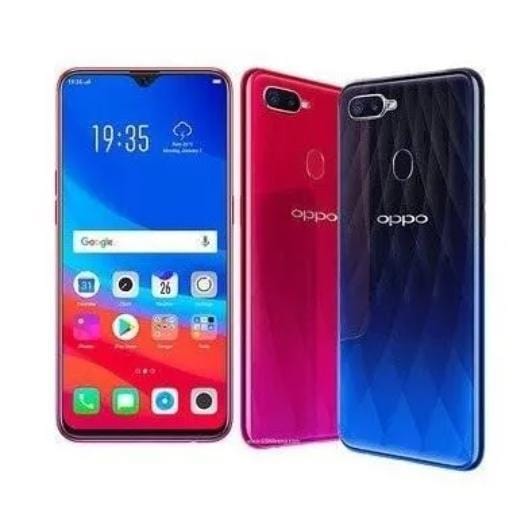
Krish Mobile Training Institute
𝖭𝗈𝗐 𝖫𝖾𝗍'𝗌 𝖢𝗁𝖾𝖼𝗄 𝖳𝗁𝗂𝗌 𝖬𝗈𝖻𝗂𝗅𝖾 :
- 6 in 1 charger takes 0.5 milli ampere when connected.
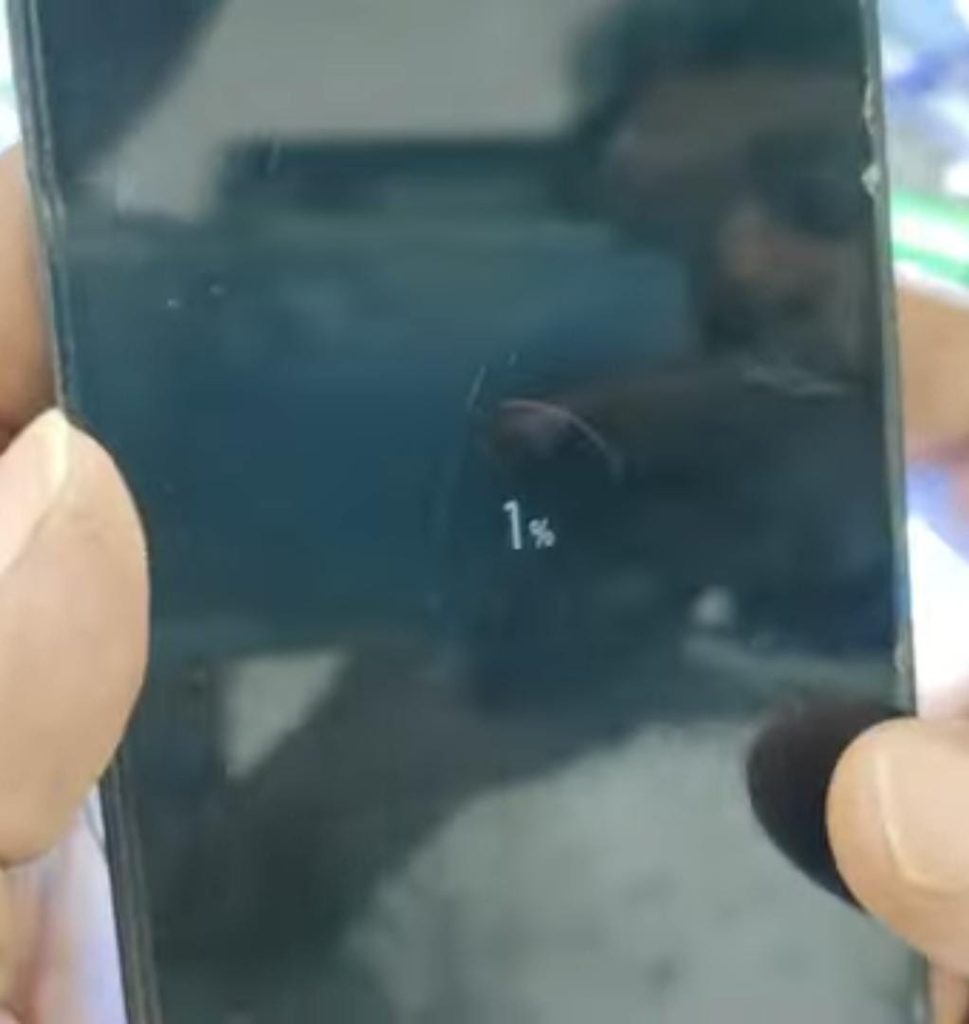
- If you turn on the power of the mobile, it shows 100%. If you disconnect the charger, the mobile switches off.
- First we need to open the mobile back panel.
- The mother board should be separated from the mobile.
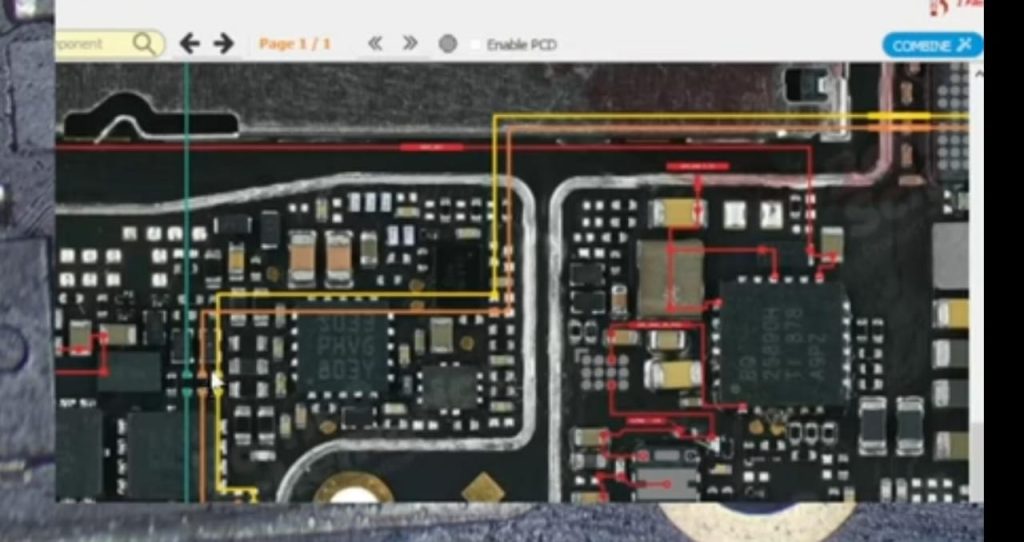
- If you make the mother board, remove a register on the board and put a jumper.
- Do not put a jumper on the Resistor like that. The resister with less than 100 ohms should be replaced.
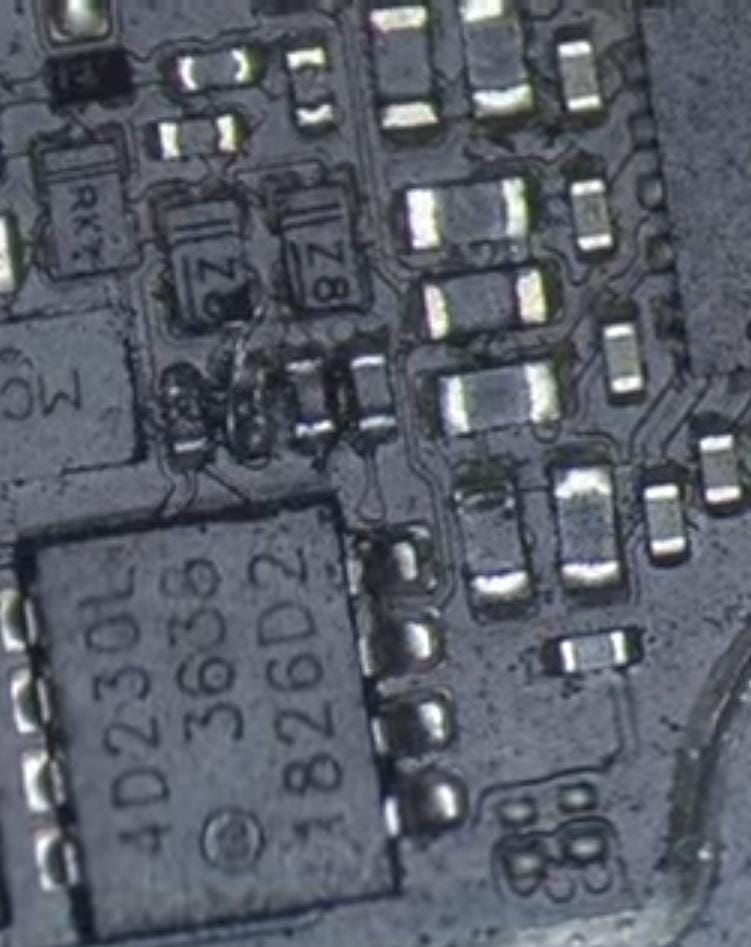

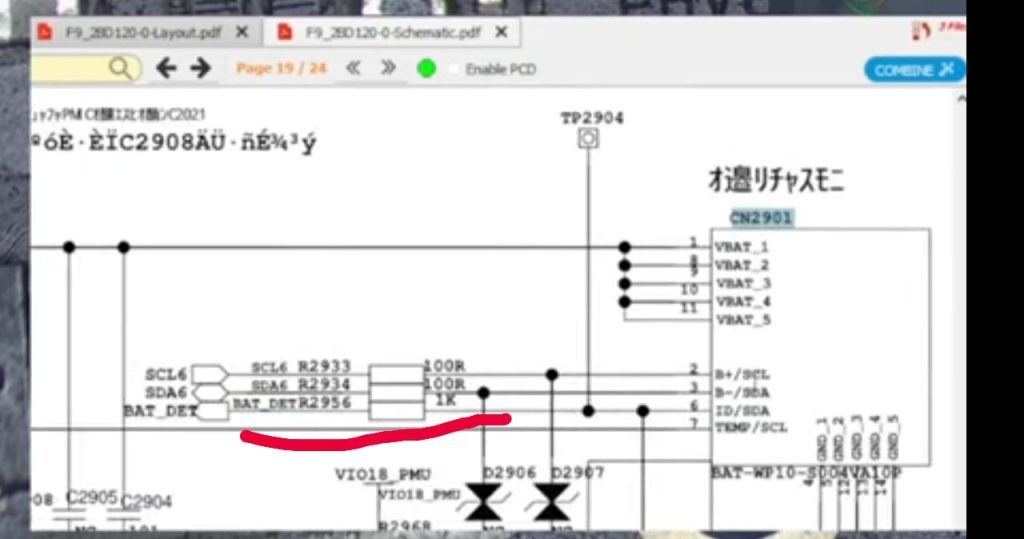
𝙻𝚎𝚝’𝚜 𝚂𝚘𝚕𝚟𝚎 𝚃𝚑𝚒𝚜 𝙿𝚛𝚘𝚋𝚕𝚎𝚖 𝚃𝚑𝚛𝚘𝚞𝚐𝚑 𝚜𝚌𝚑𝚎𝚖𝚊𝚝𝚒𝚌 :
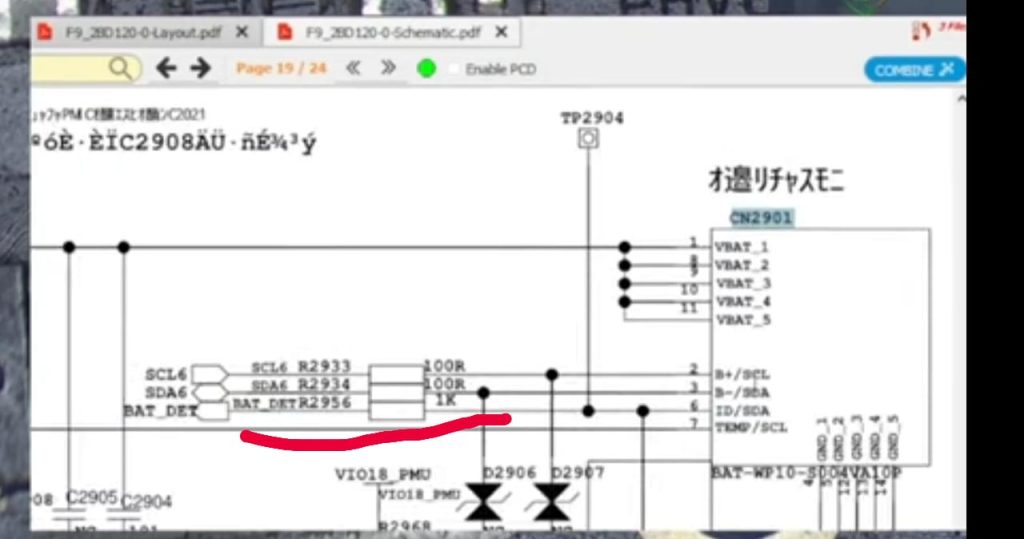
- Both the bat-scl and bat-sda lines are connected to the from the cpu to the battery connector.
- Along with them bat-id line bat-detect line are also connected from cpu to battery connector.
- But there is a resistor in this line. Those lines are not connected. This means it is a high value register.
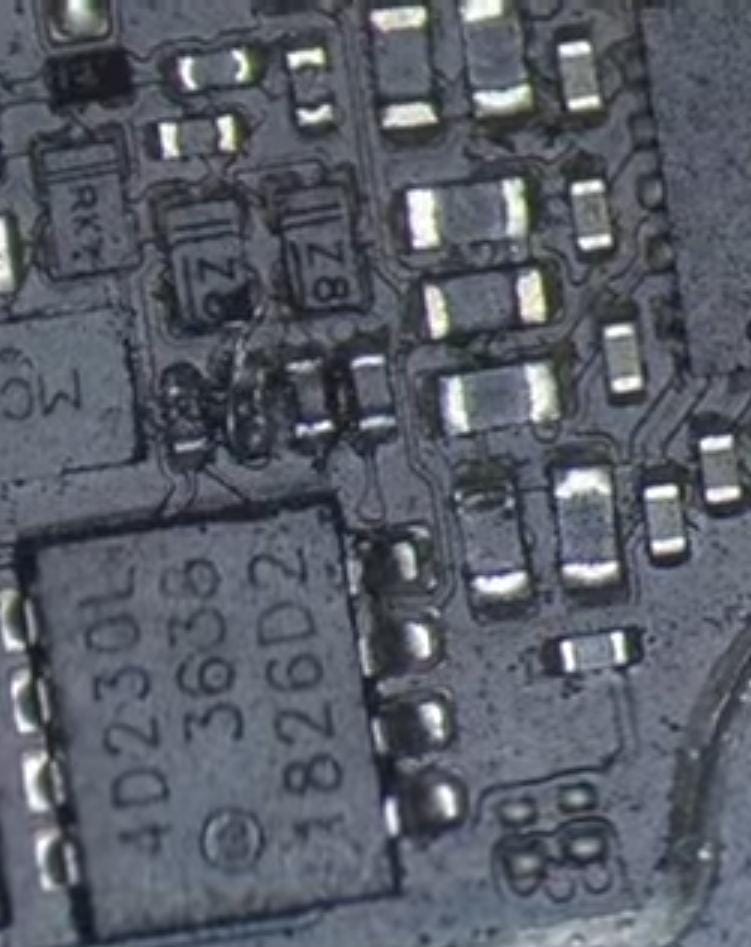
- Another technician removed the bot-detect line resister and placed a jumper.
- The bat-detect line is connected to cpu.This problem came only by removing it.
- The bat-detect register value is 1k ohms.
- This resister stops the flow of current.
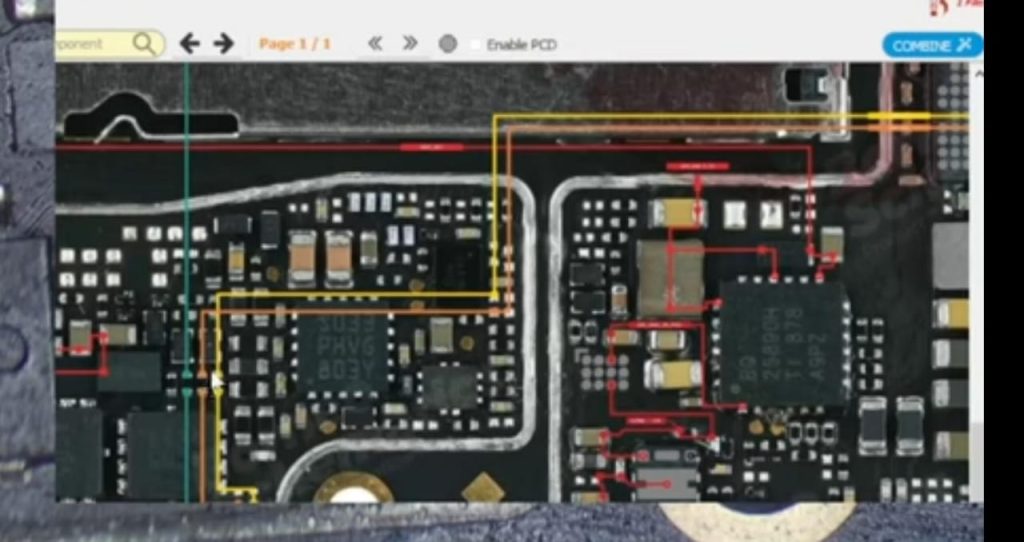
ℕ𝕠𝕨 𝕎𝕖 ℕ𝕖𝕖𝕕 𝕋𝕠 ℝ𝕖𝕡𝕝𝕒𝕔𝕖 𝕋𝕙𝕖 ℝ𝕖s𝕚𝕤𝕥𝕖𝕣 :
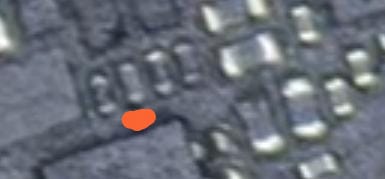
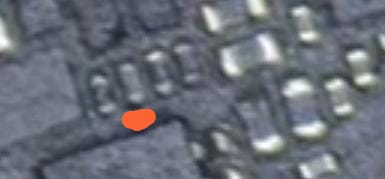
- Now we need to replace the resister called bat-detect.
- Remove the 1k Ohms value register from another board.and replace in Oppo F9 mobile.
- We have another redmi 5a board and let’s remove the 1k resister from it.
- The resister should be replaced in our board.
If you want to Know More Information then Click on this Link :-www.youtube.com/@krishmobiletraininginstitute.
- Now attach the board to the mobile.
- Let’s check if the mobile turns on or not.
- Mobile turned on successfully.Charging also goes up.
- problem is solved .
- customer is happy.
VIDEO LINK IS GIVEN IN THE BELOW :
thank you by team k.m.t.
OPPO F9 CHARGING ISSUE SOLVED BY TEAM K.M.T.
అందరికి నమస్కారం ,
ఇది Oppo F9 మొబైల్. కస్టమర్ ఈ మొబైల్ను మా దుకాణానికి తీసుకువచ్చాడు. టెక్నీషియన్ కస్టమర్ని సమస్య ఏమిటని అడిగాడు.మొబైల్కి చార్జర్ కనెక్ట్ చేస్తే ఛార్జింగ్ 100% అని చూపిస్తుంది. ఛార్జర్ డిస్కనెక్ట్ చేయబడితే మొబైలు ఛార్జింగ్ కావడం లేదని చెప్పాడు .ఈ మొబైల్ను మరో టెక్నీషియన్కు చూపించాను అని కస్టమర్ చెప్పాడు. కానీ సమస్య పరిష్కారం కాలేదు .టెక్నీషియన్ మొబైల్ చెక్ చేసి రిపేర్ చేస్తానని చెప్పాడు.
ఇప్పుడు ఈ మొబైల్ని చెక్ చేద్దాము రండి :
- 6 ఇన్ 1 ఛార్జర్ కనెక్ట్ చేసినప్పుడు 0.5 మిల్లీ ఆంపియర్ తీసుకుంటుంది.
- మీరు మొబైల్ పవర్ ఆన్ చేస్తే, అది 100% చూపిస్తుంది. మీరు ఛార్జర్ను డిస్కనెక్ట్ చేస్తే, మొబైల్ స్విచ్ ఆఫ్ అవుతుంది.
- ముందుగా మనం మొబైల్ బ్యాక్ ప్యానెల్ ఓపెన్ చేయాలి.
- మొబైల్ నుండి మదర్ బోర్డ్ వేరు చేయాలి.
- మీరు మదర్ బోర్డ్ను చెక్ చేస్తే, వేరే technician బోర్డులోని రిసిస్టర్ను తీసివేసి, జంపర్ను వేశారు .
- అలా రెసిస్టర్ మీద జంపర్ వేయకూడదు . 100 ఓమ్ల కంటే తక్కువ ఉన్న రెసిస్టర్ని అయితే రిప్లేస్ చేయాలి.
స్కీమాటిక్ ద్వారా ఈ సమస్యను పరిష్కరిద్దాం:
- bat-scl మరియు bat-sda లైన్లు రెండూ cpu నుండి బ్యాటరీ కనెక్టర్కు కనెక్ట్ చేయబడ్డాయి.
- వాటితో పాటు బ్యాట్-ఐడి లైన్ బ్యాట్-డిటెక్ట్ లైన్ కూడా cpu నుండి బ్యాటరీ కనెక్టర్కు కనెక్ట్ చేయబడింది.
- కానీ ఈ లైన్లో రెసిస్టర్ ఉంది. ఆ లైన్లు కనెక్ట్ కాలేదు కాబట్టి ఇది హై వాల్యూ రిజిస్టర్ అని అర్థం.
- మరొక technician బోట్-డిటెక్ట్ లైన్ రెసిస్టర్ను తీసివేసి, జంపర్ను వేశాడు .
- బ్యాట్-డిటెక్ట్ లైన్ cpuకి కనెక్ట్ చేయబడింది. దాన్ని తీసివేయడం ద్వారా మాత్రమే ఈ సమస్య వచ్చింది.
- బ్యాట్-డిటెక్ట్ రిజిస్టర్ విలువ 1k ohms .
- ఈ రెసిస్టర్ కరెంట్ ఫ్లో ను ఆపుతుంది.
ఇప్పుడు మనం రెసిస్టర్ని రిప్లేస్ చేయాలి :
- ఇప్పుడు మనం బ్యాట్-డిటెక్ట్ అనే రెసిస్టర్ని రిప్లేస్ చేయాలి.
- మరొక బోర్డు నుండి 1k Ohms విలువ రిజిస్టర్ని తీసివేసి, Oppo F9 మొబైల్లో రిప్లేస్ చేయండి.
- మన దగ్గర మరొక redmi 5a బోర్డ్ ఉంది మరియు దాని నుండి 1k రెసిస్టర్ని తీసివేద్దాం.
- మన బోర్డులో రెసిస్టర్ని రిప్లేస్ చేయాలి .
- ఇప్పుడు మొబైల్కి బోర్డుని అటాచ్ చేయండి.
- మొబైల్ ఆన్ అయిందో లేదో చెక్ చేద్దాం.
- మొబైల్ విజయవంతంగా ఆన్ చేయబడింది. మొబైలు ఛార్జింగ్ కూడా ఎక్కుతుంది
- సమస్య పరిష్కరించబడింది.
- కస్టమర్ సంతోషంగా ఉన్నాడు.
వీడియో లింక్ క్రింద ఇవ్వబడింది :
ధన్యవాదములు by team k.m.t .