Vivo Y11 Forgot Password // Vivo Y11,Y12,Y15,Y16 // All Type Password Pattern Lock this Problem is Solved by Team KMT In English……..
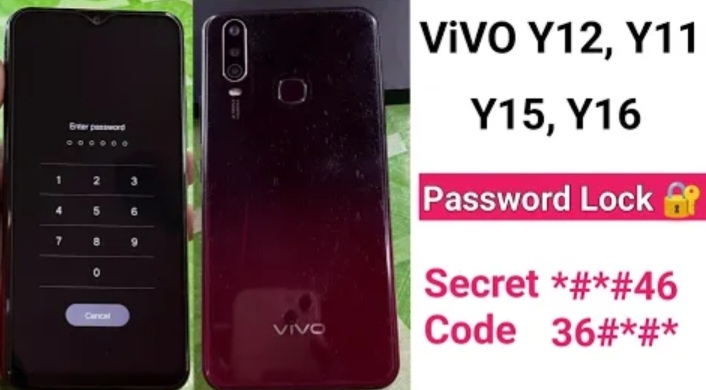

Welcome to Krish Mobile Training Institute.This is My Vivo Andriod SmartPhone Unfortunately i forgot My Phone Password i forgot my Phone Lock Screen Password which is why i can’t use this Phone.If you have forgotten the Password of your Phone then my BLOG.Today on http://ALL VIVO PASSWORD PATTERN.Use it to Unlock the Phone.So,let’s Start the BLOG on How to Unlock the Phone by Hard Reset.If you forgot the Password Now,i will Show you How to Unlock this Model Smartphone.
DISCLAIMER :-

This is Tutorial BLOG for Educational Purpose only,try this Method only to Unlock your own Phone.Don’t try this Method on Stolen Phones.This is Serious Crime,if you are trying to unlock a stolen Phone you may also be Jailed.
Step 1:
- Click on Use finger Print.
- Enter Finger Print.
- Click on Cancel.
- Swipe Up.
- Enter PIN Password.
- OFF _ Line Mode Code.
- Click on Forgot.
- Swipe Up.
- Click on Cancel.
- Power Off ( on Button Volume + & Power Button ).
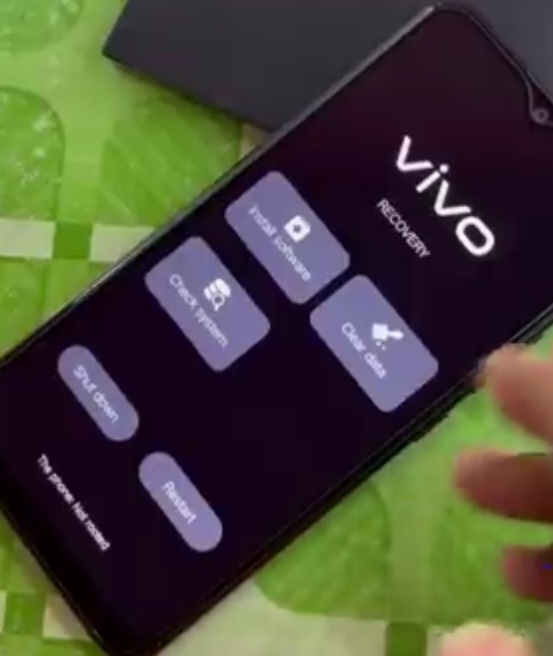
- Click on Recovery Mode ( Using Lock or Power Button ).
- Vivo Logo is Displayed.
- Click on Clear Data.
- Click on Clear Cache.
- Click on OK.
- Click on Return.
- Click on Clear All Data.
- Click on OK.
- Click on Return.
- Enter Password ( Not Working ).
- Your Phone Has Been Locked.
- Click on Return.
- Click on <.
NEW TRICK :-
Step 2:
Krish Mobile Training Institute
- Click on Check System.
- Checking.
- Click on OK.
- Click on Clear Data.
- Click on Clear Cache.
- Click on OK.
- Click on Return ( Do this Process Up to 5 Times ).
- Click on Clear Data.
- Click on Restart.
- Click on OK.
- Click on Return.
- Vivo Logo is Displayed.
- Click on ON.
- Enter Password.
- Click on Forgot.
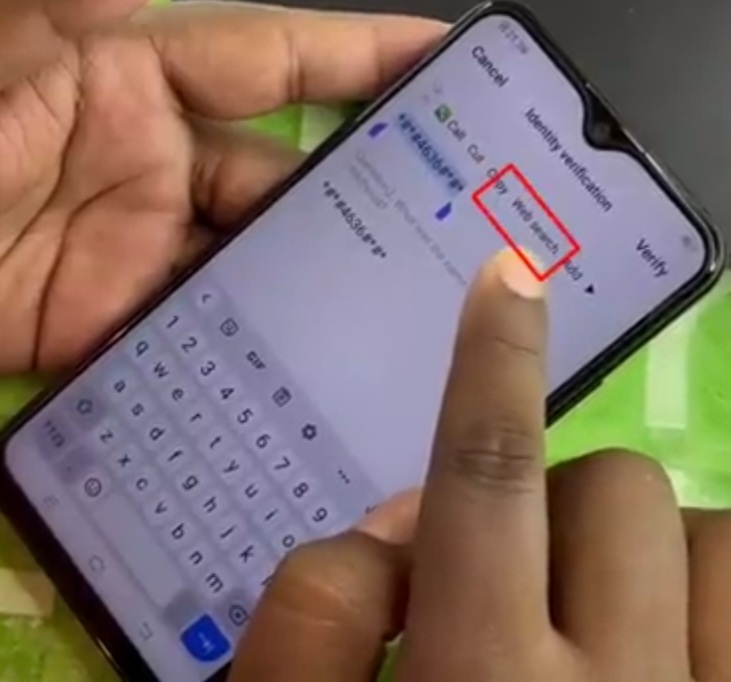
- Identify Verification _
- Box 1:- *#*#4636#*#* { OFF _ Line Code ).
- Box 2:- *#*#4636#*#*.
- Click on Verify.
- 100 % Working.

Step 3:
- Click on Web Search.
- Scroll Up.
- Welcome to VIVO Browser.
- Click on Agree.
- VIVO Browser Is Displayed On Screen.
- Click on Cancel.
- Swipe Up.
- click on Settings.
- Open the Settings.
- Finger Print,Face & Password.
- Click on Screen Lock.
- Click on Create New Password.
- Click on Verify.
- Verify the New Password.
- Box 1:- 0.
- Box 2:- 0
- Click on Done.
- Pres or Hold Lock Button.
- Swipe Up.
- Enter Password.
Stay tuned by Subscribing to our KMT Youtube Channel for Tutorial Apps and Tricks to Unlock More new SmartPhones like this,http://www.youtube.com/@krishmobiletraininginstitute.