Vivo Y20 FRP Bypass Without PC 2021/Vivo V2043 FRP Bypass/Remove Google Account By Team KMT in English…..
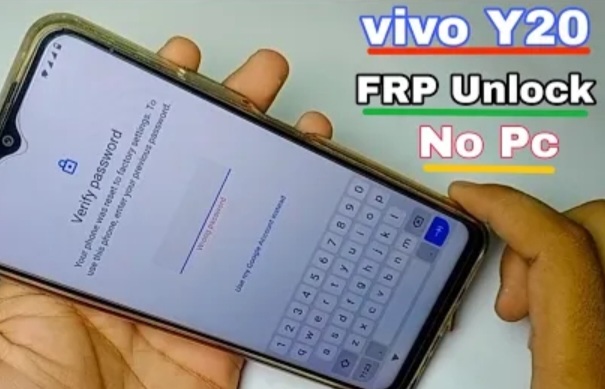
Welcome to Krish Mobile Training Institute.This is My Vivo Andriod SmartPhone Unfortunately i forgot My Phone Password i forgot my Phone Lock Screen Password which is why i can’t use this Phone.If you have forgotten the Password of your http://HOW TO UNLOCK PASSWORD FRP WITHOUT PC Phone then my BLOG.Today on .Use it to Unlock the Phone.So,let’s Start the BLOG on How to Unlock the Phone by Hard Reset.If you forgot the Password Now,i will Show you How to Unlock this Model Smartphone.
DISCLAIMER :-

This is Tutorial BLOG for Educational Purpose only,try this Method only to Unlock your own Phone.Don’t try this Method on Stolen Phones.This is Serious Crime,if you are trying to unlock a stolen Phone you may also be Jailed.
Step 1:-
- Hello! _ Click on Start.
- Click on Next.
- Again Click on Next.
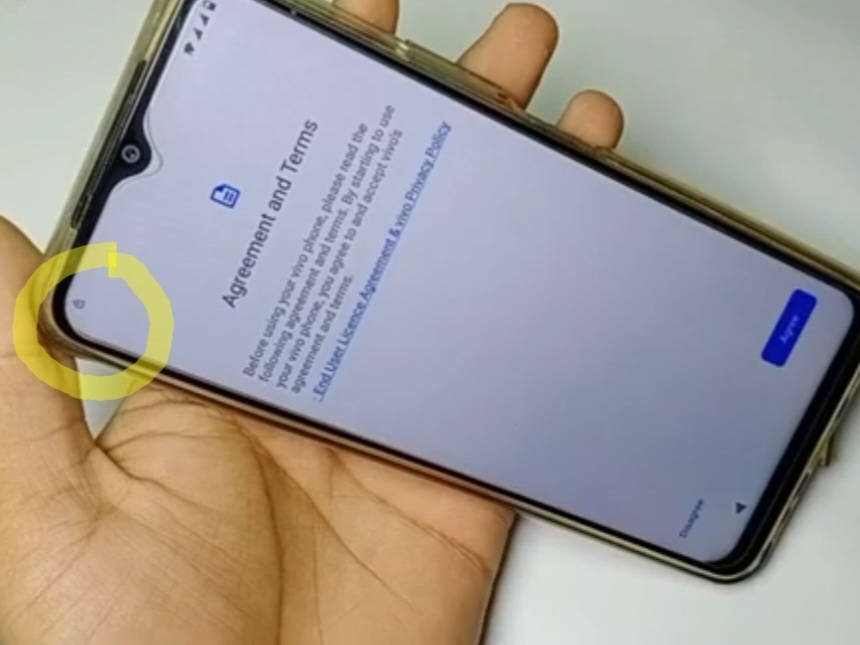
- Click on Agree.
- Connect the Wi-fi.
- Click on Connect.
- Bring Your Data From…….
- A Back from the Cloud.
- Checking Info.
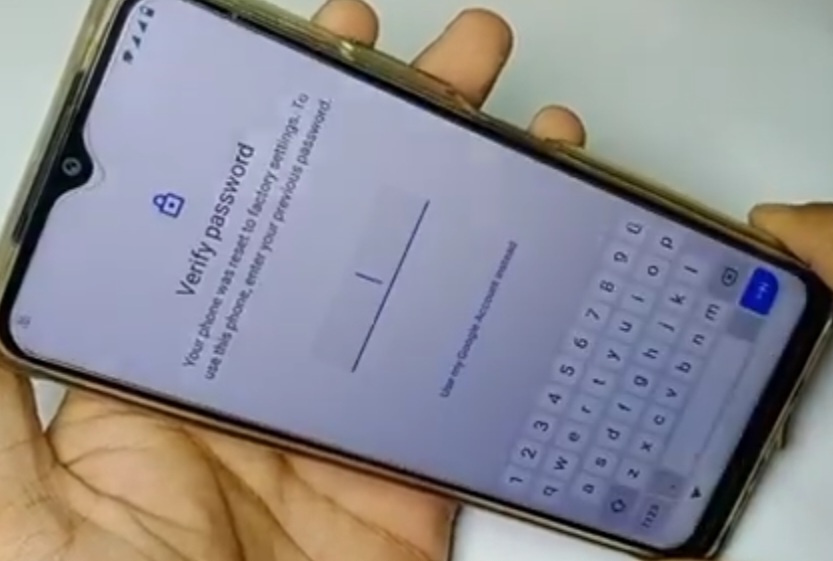
- Click on Use My Google Account.
- Give Your E-mail or Phone.
- Click on Next.
- Click on < ( 2 times ).
- Connect to Wi-fi.
- Click on Save Wi-fi Networks.
Step 2:-
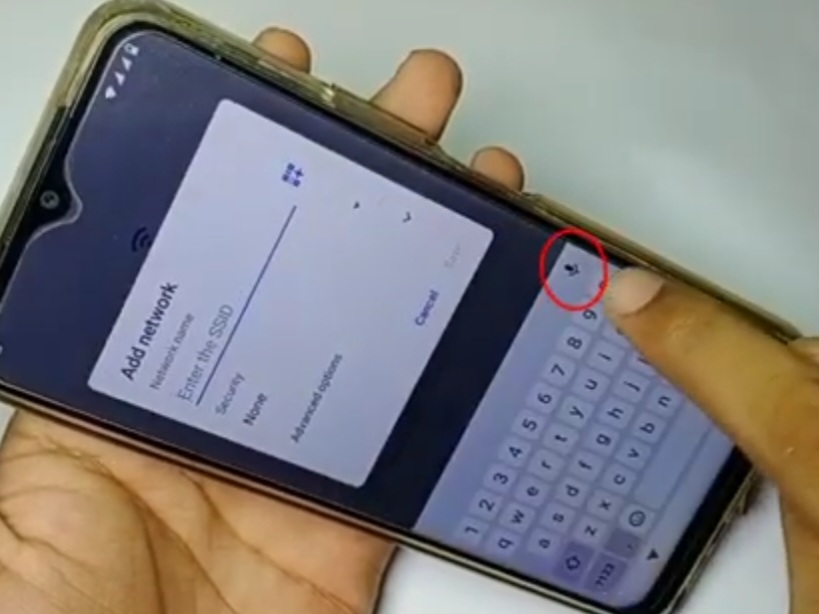
- Click on Add Networks.
- Speak in MIC.
- Click on Deny.
- Click on Deny & Again.
- Click on MIC.
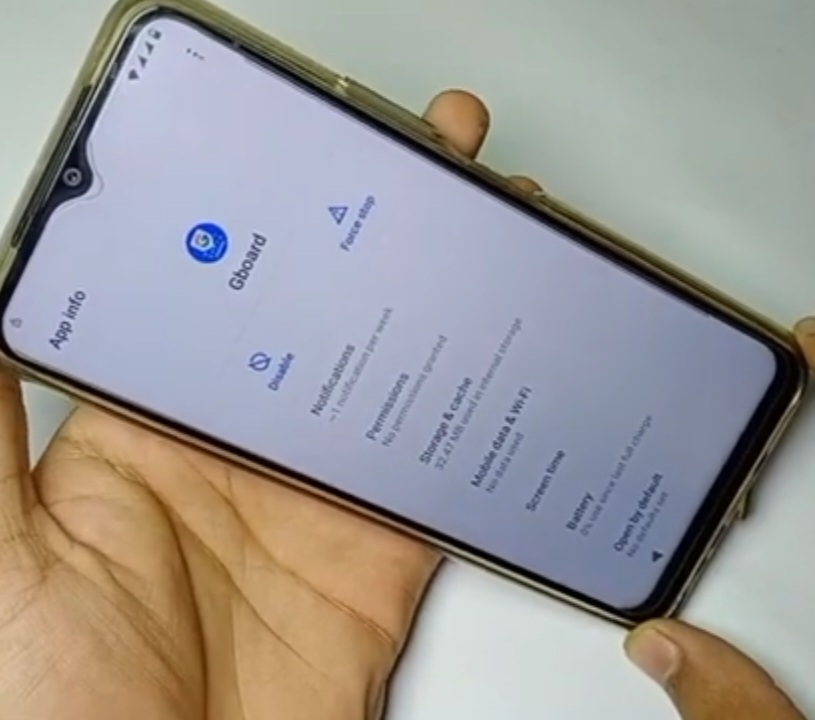
- Click on Gboard.
- Click on Permissions.
- Click on App Permission.
- Search Settings.
- Click on Settings.
- Click on App Info.
- Click on Open.
- Click on About Phone.
- Give Your Device Name.
- Click on <.
Step 3:-
Krish Mobile Training Institute
- Click on Security.
- Click on Screen Pinning.
- Enable the Off Option.
- Lock Device When UnPinning.
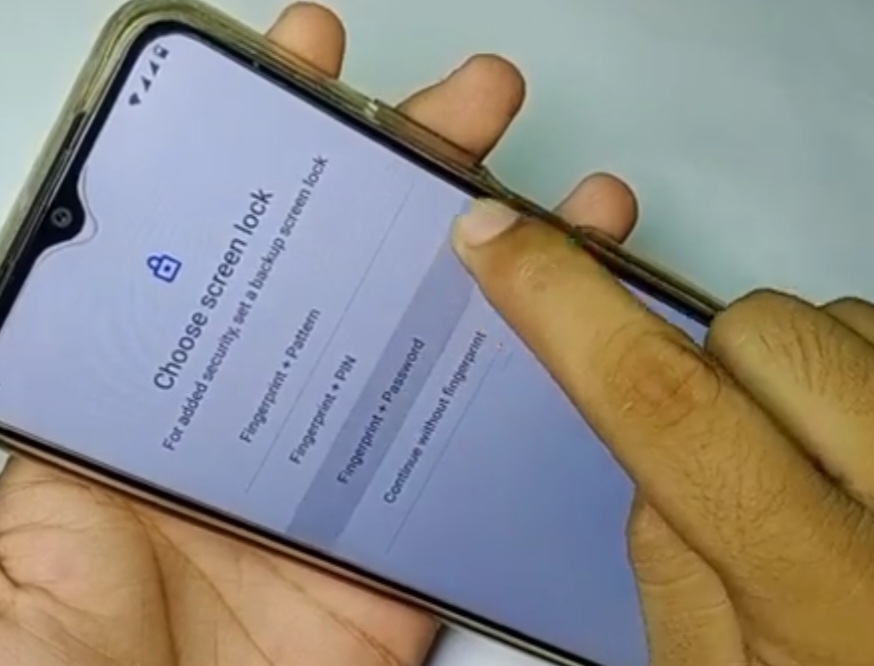
- Choose Screen Lock.
- Click on Finger Print + Password.
- Set Screen Lock.
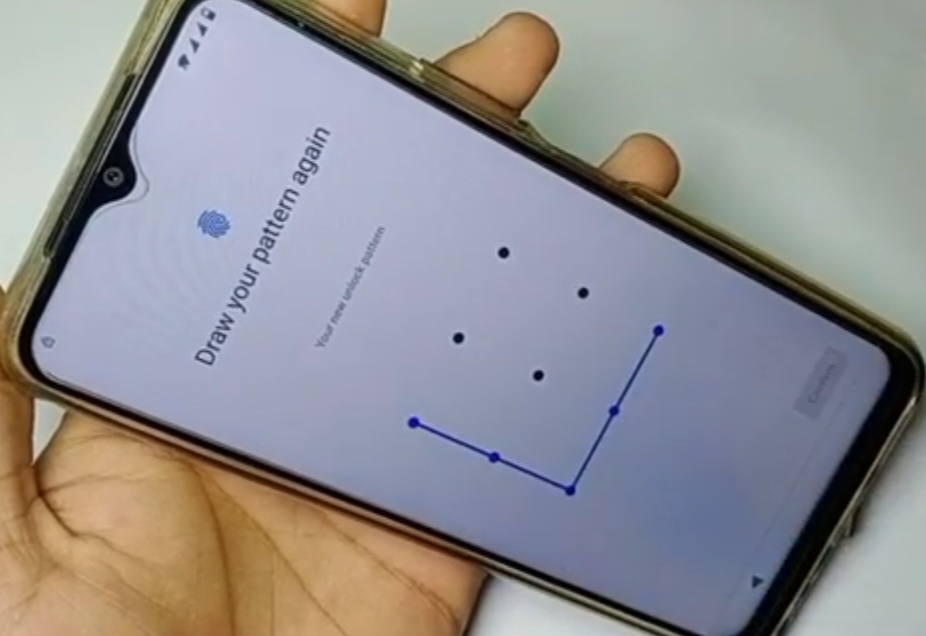
- Draw Your Pattern Again.
- Click on Confirm.
- Click on Register a Finger Print.
- Click on Cancel.
- Press/Hold Lock/Power Button to Power Off Your Device.
- Vivo Logo is Displayed.
- Draw your Pattern.
Step 4:-
- Click on Screen Pinning.
- Lock Process is Processing.
- Click on Restart.
- Click on Ok.
- Vivo Logo is Displayed.
- Swipe Up.
- Verify Your PIN.
- Draw Your Pattern.
- Hello! _ Click on Start.
- Click on Next.
- Again Click on Next.
- Click on Agree.
- Click on Connecting.
- Bring Your Data From……..
- Click on An Phone @ Device.

Step 5:-
- Click on Copy.
- Just a Sec.
- Checking Info.
- Verify Pattern.
- Checking Info.
- Click on Sign in.
- Click on Skip.
- Again Click on Skip.
- Click on More.
- Click on Accept (3 times).
- Set UnLock Method.
- Recommended Services.
- Click on Next.
- Adding Finishing touches.
- Just a Sec.
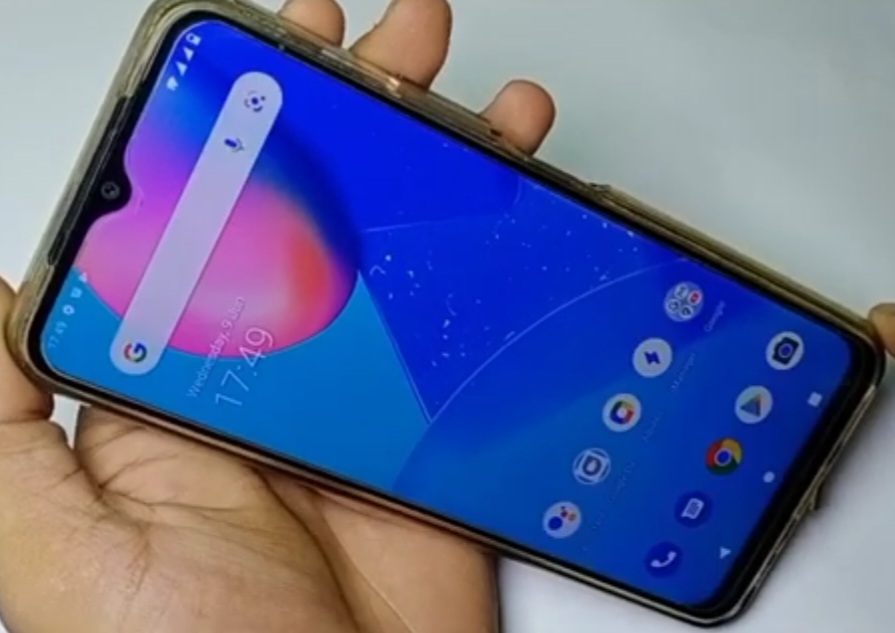
- Congratulations.
- Click on Use Now.
- Loading.
FOR MORE INFORMATION :-
Stay tuned by Subscribing to our KMT Youtube Channel for Tutorial Apps and Tricks to Unlock More new SmartPhones like this,http://www.youtube.com/@krishmobiletraininginstitute.