How to Remove Demo Mode on Vivo Mobile _ Vivo Demo Mode Remove Without PC / this Problem is Solved By Team KMT in English……..
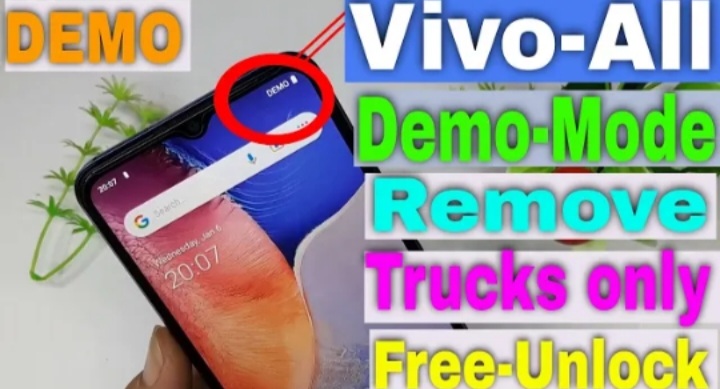
Welcome to Krish Mobile Training Institute.This is My Vivo Andriod SmartPhone.I Purchased a few of these Vivo from a Wholesaler and they are all in Demo Mode.The Power Button only Works to turn on the Phone or to make the Screen turn Back on after it times Out.The Phone is Running a Splash Advertisement as if it was Sitting in the Store.Is there a way to Remove this is So the Phone is Just a Phone? http://HOW TO REMOVE DEMO MODE ON VIVO MOBILE DEC 2024.
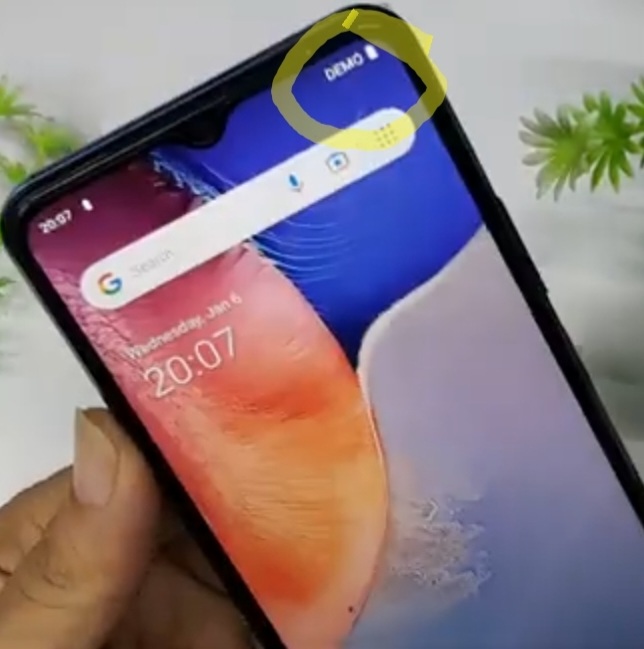
It Will Display it’s Hidden Menu From there u can Deactivate the Video playing,but to exit Demo another Pass Code will be Asked and Online,where I didn’t Succeeded,but ur Phone free from Auto playing Videos.
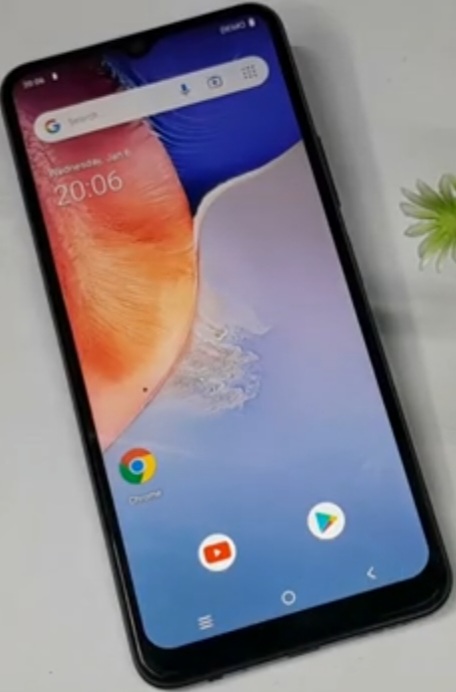
- Click on Youtube.
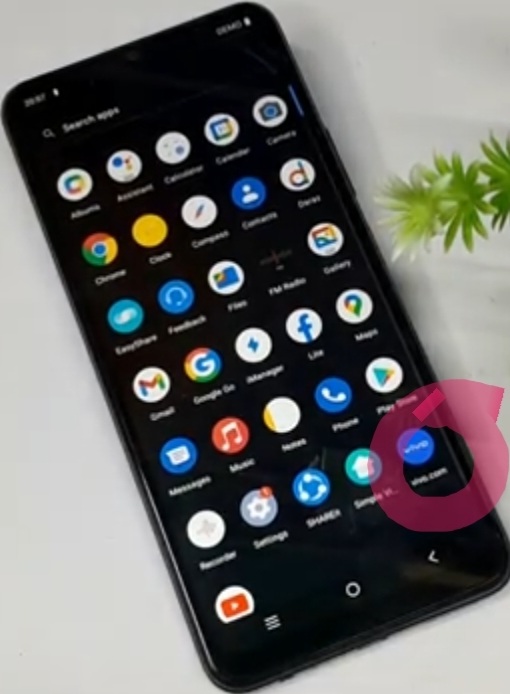
- Swipe Up.
- Click on Vivo Icon.
- Go Back to the Settings.
- Click on Settings.
- Click on <.
- Click on About.
- Scroll Up.
Krish Mobile Training Institute
- Click on Software Information.
- Hardware Version.
- Click on Back.
- Again Click on Back.
- Click on System.
- Click on Devoloper Options.
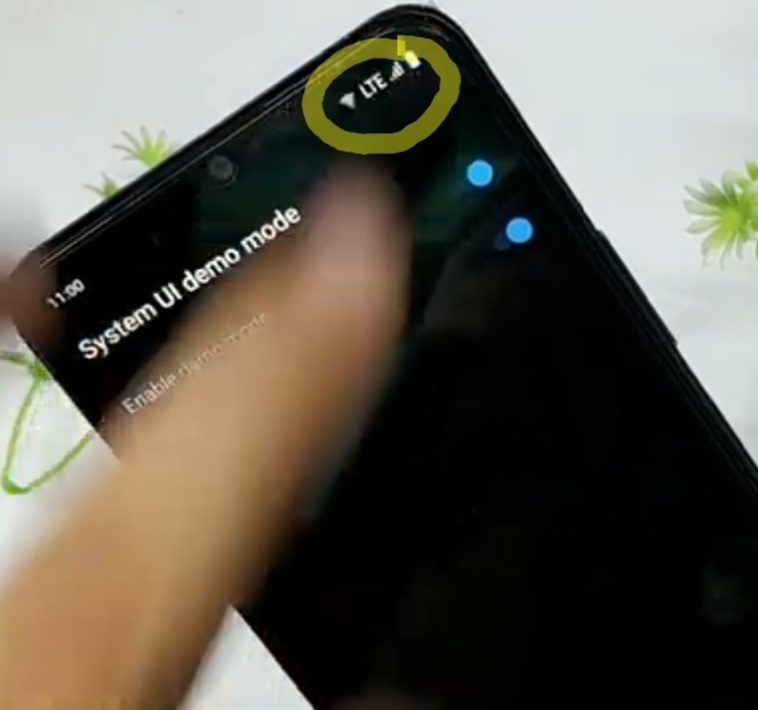
- Enable the System UI Demo Mode.
- Enable / Show Demo Mode _

FOR MORE INFORMATION :-
Stay tuned by Subscribing to our KMT Youtube Channel for Tutorial Apps and Tricks to Unlock More new SmartPhones like this,http://www.youtube.com/@krishmobiletraininginstitute.