Forgot App Lock ! Forgot & App Encryption Password in Vivo Phones Without PC this Problem is Solved by Team KMT in English………
Welcome to Krish Mobile Training Institute.This is My Vivo Andriod SmartPhone Unfortunately i forgot My Phone Password i forgot my Phone Lock Screen Password which is why i can’t use this Phone.If you have forgotten the Password of your http://FOR GOT APP LOCK ! ALL VIVO PHONES APP ENCRYPTION Phone then my BLOG.Today on .Use it to Unlock the Phone.So,let’s Start the BLOG on How to Unlock the Phone by Hard Reset.If you forgot the Password Now,i will Show you How to Unlock this Model Smartphone.
DISCLAIMER :-
This is Tutorial BLOG for Educational Purpose only,try this Method only to Unlock your own Phone.Don’t try this Method on Stolen Phones.This is Serious Crime,if you are trying to unlock a stolen Phone you may also be Jailed.
Step 1:-
- Click on WhatsApp _
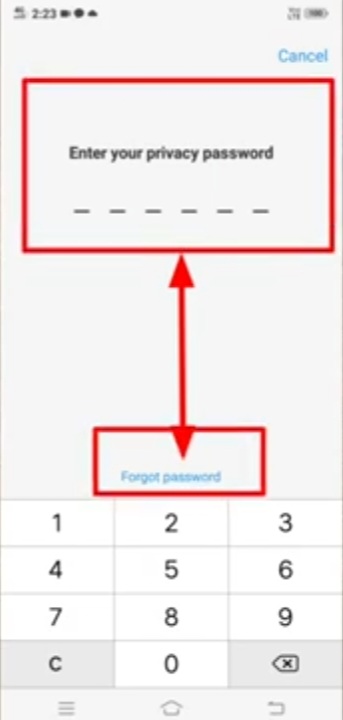
- Enter Your Privacy Password _
- Identity Verification _ Problem 1 _
- Type any thing & Problem 2 _
- Type anything else ( Like hhnm & bhjnn ) _
- Incorrect Password Should be Came _
- Click on Ok _ Enter Your Privacy Password _
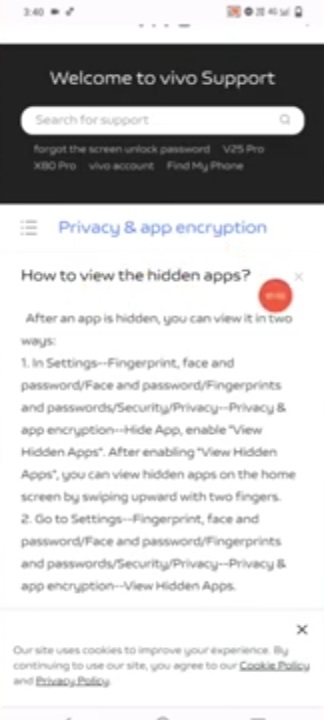
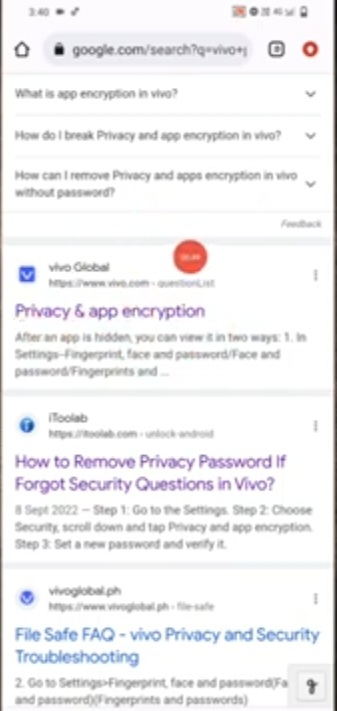
- Click on Chrome _ Search vivo Privacy & App Encryption forgot Password _
- Click on Privacy App & Encryption _
- Welcome to Vivo Support.
Step 2:-

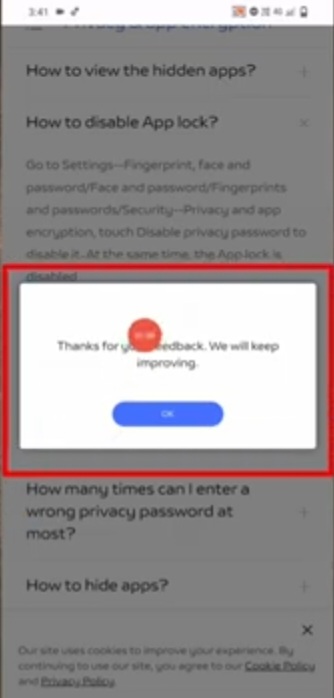
- Scroll Down & Up _ How to Disable App Lock ?
- Click on Ok _ Scroll Up.
- Click on Support _Funtouch OS.
- Welcome to Vivo Support _ Click on <.
- Click on Support _ E-mail Touch.
- Give yourE-mail Address & Proof of Your Mobile (fill all the Details Which it is asked you?).
- Click on Submit _ Go Back to the Home Screen _ Click on Apps _ Search Settings _ Click on Settings.
- Click on About Phone _ Click on Software Information.
Step 3:-
Krish Mobile Training Institute
- Go Back to the Settings _
- Click on System _
- Click on Backup & Restore _
- Vivo Cloud Logo is Displayed _
- Click on Agree _
- Go Back to the Settings Screen _
- Click on Reset Options _
- Go Back to the Apps _
- Search any App Settings.
FOR MORE INFORMATION :-
Stay tuned by Subscribing to our KMT Youtube Channel for Tutorial Apps and Tricks to Unlock More new SmartPhones like this,http://www.youtube.com/@krishmobiletraininginstitute.