Vivo Y20/Y21/Y22/FRP GOOGLE BYPASS PATTERN UnLock /Vivo Y21/Pattern UnLock Without PC // Reset this Problem is Solved By Team KMT in English ……….
Welcome to Krish Mobile Training Institute.This is My Vivo Andriod SmartPhone Unfortunately i forgot My Phone Password i forgot my Phone Lock Screen Password which is why i can’t use this Phone.If you have forgotten the Password of your Phone then my BLOG.Today on http://HOW TO UNLOCK VIVO Y20/Y21/Y22 FRP LOCK.Use it to Unlock the Phone.So,let’s Start the BLOG on How to Unlock the Phone by Hard Reset.If you forgot the Password Now,i will Show you How to Unlock this Model Smartphone.
DISCLAIMER :-
This is Tutorial BLOG for Educational Purpose only,try this Method only to Unlock your own Phone.Don’t try this Method on Stolen Phones.This is Serious Crime,if you are trying to unlock a stolen Phone you may also be Jailed.
Step 1:

- Draw Pattern _ ( Wrong Pattern ) _ Using Press or Hold Lock Button to Switch Off the Mobile _ Click on Power Off _ Vivo Logo is Displayed _
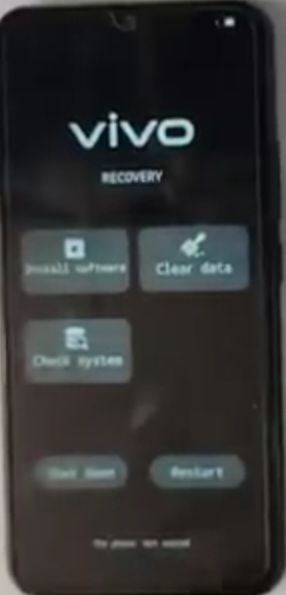
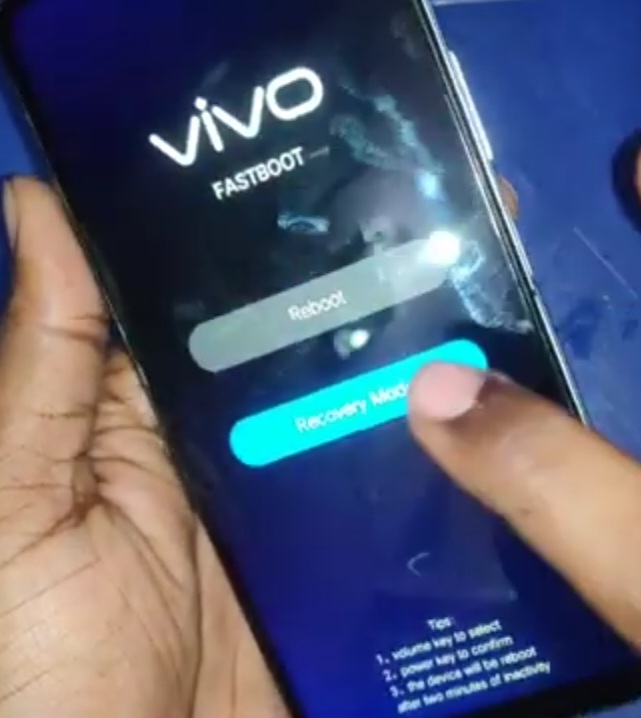
- Press or Hold Lock & Volume Up Buttons _ Vivo FastBoot _ Click on Recovery Mode _ Vivo Logo is Displayed _ Click on Clear Data _ Click on Clear Cache _
- Click on Ok _ Vivo Logo is Displayed _ Clearng Data.Do Not Operate the Device _ Click on Return _ Click on < _ Vivo ( Recovery ) _ Click on Restart _
- Click on Ok _ Vivo Logo is Displayed _ Hello ! _ Click on Start _ Click on Next _ Give a Small Click & Click on Next _ Connect to Wi-fi _ Click on Connect _
Step 2:
Krish Mobile Training Institute
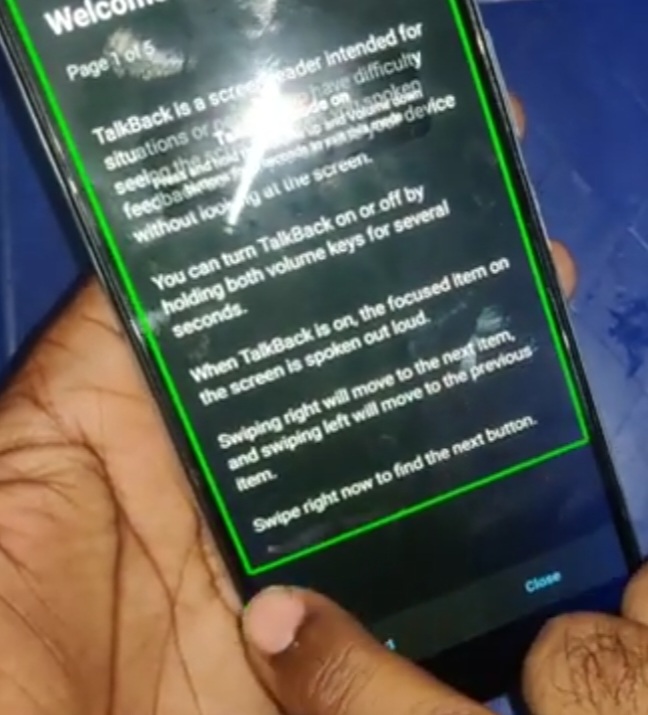
- Click on < _ Getting Your Phone Ready _ Go to the Back Up to _ Hello ! _ Using Press or Hold Volume Up & Volume Down Buttons _ Click on Turn on _
- Click on Talk Back Mode is On _ Click on While Using the App _ Click on Use Voice Commands _ Try to Say Something _ Click on Youtube _
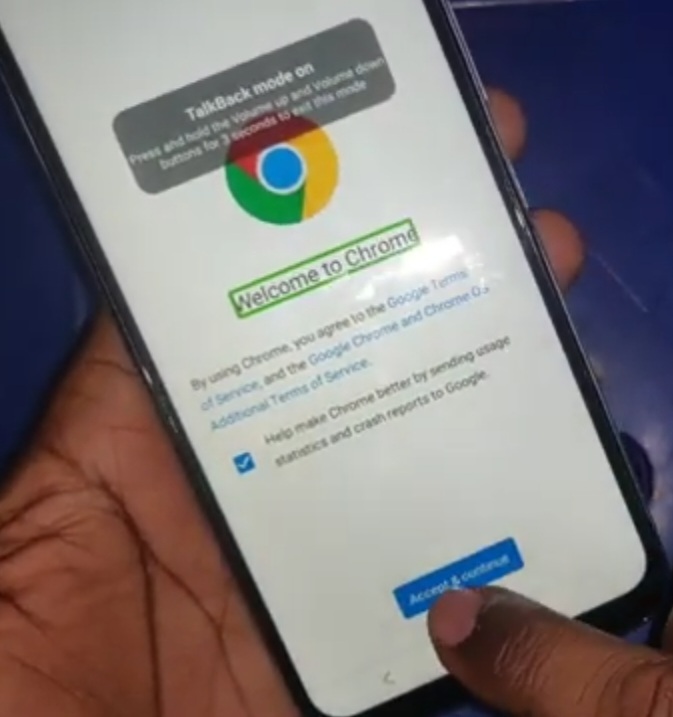
- Welcome to Chrome _ Click on Accept & Continue _ Click on No,thanks _ Take another Device _ 2.D Click on Next _ Click on Use Pattern _
Step 3:
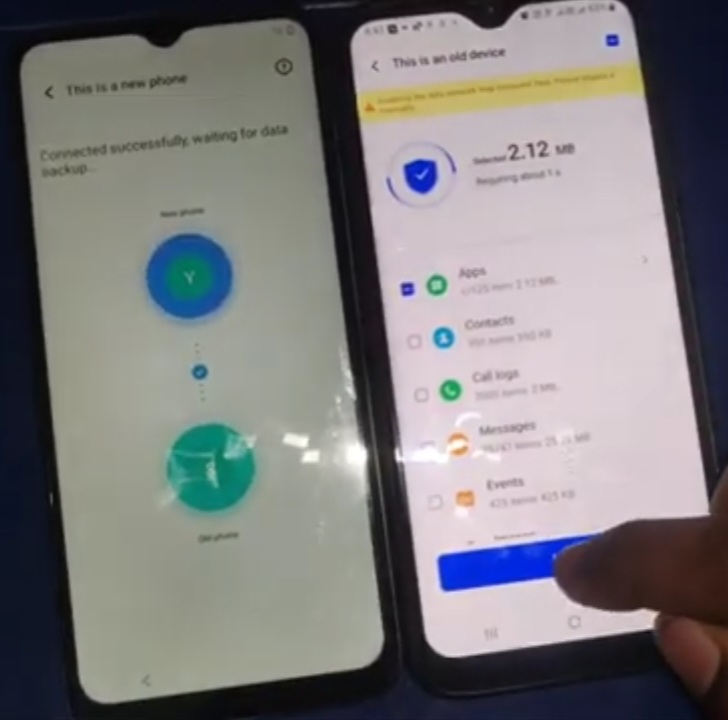
- Confirm Pattern _ Click on Confirm _ Click on Start Clearing _ 1.D _ Click on Got it _ Click on Allow _ Click on Connected _ Click on Clock Icon _
- Click on Apps _ Click on Quick Short Cut Maker _ Click on Open _ Click on Ok _ Click on Activities _ Search Factory Test _ Click on Factory Test _
- Click on Try _ Click on Engineering Test _ Initialize Device _ Click on Initialize Device _ Loading _ Now, Get Ready to use Your Mobile.
FOR MORE INFORMATION :-
Stay tuned by Subscribing to our KMT Youtube Channel for Tutorial Apps and Tricks to Unlock More new SmartPhones like this,http://www.youtube.com/@krishmobiletraininginstitute.