
Poco M6 5G FRP Bypass //MiUi 14 //Without PC //Lock Unlock // Google Account Remove Problem Solved By Team KMT In English.

Welcome to Krish Mobile training Institute.This is My Poco M6 5G Model Andriod SmartPhone Unfortunately I forgot My Phone Password i forgot my Phone Lock Screen Pastword Which is why i can’t use this Phone.If you have forgotten the Password of your Phone than My BLOG today on how to use it to UnLock the Phone.Poco M6 Pro 5G FRP By Pass POCO M6 FRP BYPASS ANDRIOD 14 . So,let’s Start the BLOG on how to Unlock the Phone By Lock & Unlock this Model Smartphone.
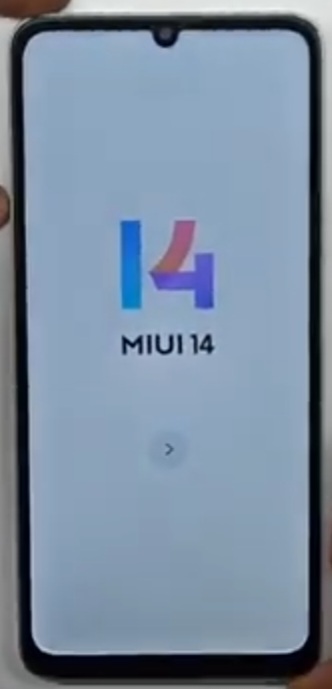
Krish Mobile Training Institute
Step 1:
- Click on >.
- Choose Language >.
- Choose your Region >.
- Terms & Conditions >.
- Checking your SIM Card…..
- Click on >.
- Insert SIM Card.
- Connect Wi-fi Connection.
- Click on Connect.
- Click on >.

Step 2:
- Just a few Moments…..
- Getting Your Phone Ready.
- Copy Apps & Data.
- Click on Don’t copy.
- Checing Info.
- Again Checking Info.
- Draw Your Pattern.
- Click on Use Google Account Pattern.
- Checking Info.
- Verifying your Google Account.

Step 3:
- Go to Click on <.
- Go to Wi-fi Settings.
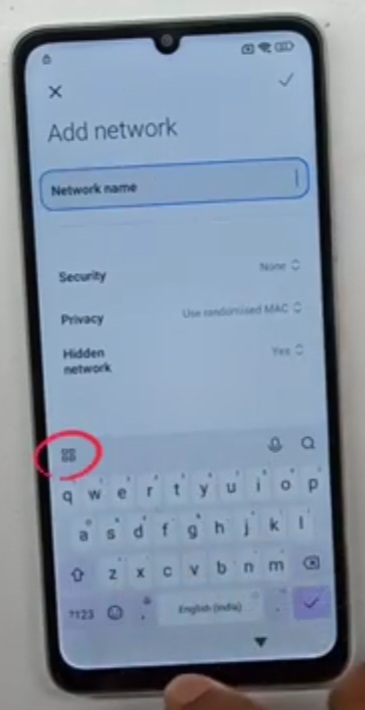
- Click on Add Network.
- Type Network Name.
- Click on (::).
- Click on Privacy Policy.
- Select any Keyword.
- Click on Share.
- Click on Messages.
- Click on New Settings.
Step 4:
- Click on New Conversation.
- To : The Number 1112.
- From : www.youtube.com.
- Click on Send.
- Click on Youtube Logo.
- Click on Allow.
- Click on Profile ID.
- Click on Settings.
- Click on About.
- Click on Youtube terms & Services.
Step 5:
- Use another an Account.
- Click on No,thanks.
- Click on Terms of Services.
- Search VNROM.
- Click on Bypass Google Account 2024.
- Click on Open Settings.
- Click on About Phone.
- Click on <.
- Click on Apps.
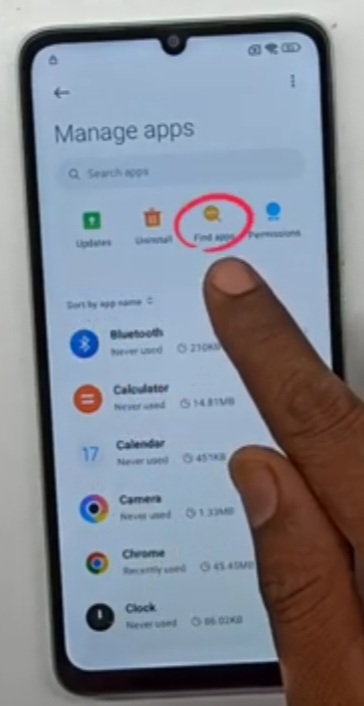
- Click on Manage Apps.
Step 6:
- Click on Find Apps.
- Secure Free Official.
- Click on Skip.
- Install Activity Launcher.
- Click on Open.
- Click on OK.
- Loading.
- Search Space.
- Click on Second space FingerPrint.
- Click on Skip.
Step 7:
- Click on Add Network.
- Reboot the Device.
- Wake with the Power Buton Restart the Phone.
- Swipe down to Reboot.
- After few Seconds.
- 14 MIUI 14 Logo.
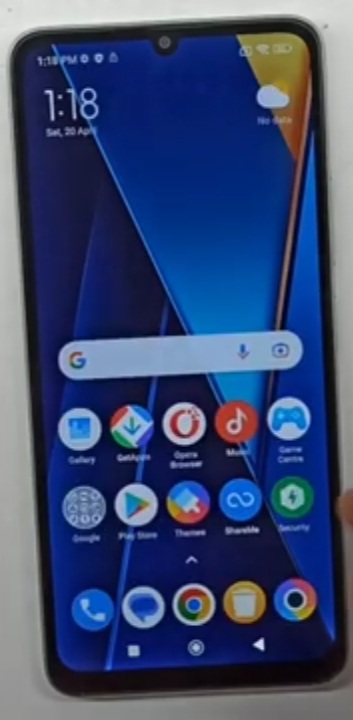
Stay tuned by subscribing to our KMT Youtube Channel for tutorial Apps and Tricks to Unlock More new Smart Phones like this, www.youtube.com/@krishmobiletraininginstitute

Pages: 1 2