
POCO C51 Hard Reset/POCO C51 Pattern UnLock this Problem is Solved By Team KMT in English……….
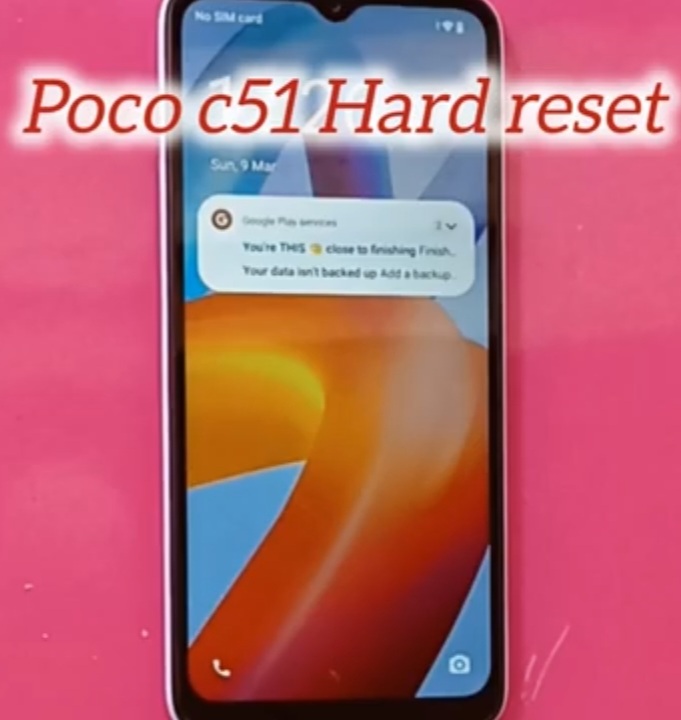
Welcome to KRISH MOBILE TRAINING INSTITUTE. I am from India, I enjoy sharing knowledge, tips, and tricks on smart phones. I look forward to learning a lot from you.
This is my Xiaomi Oppo Model Andriod SmartPhone.unfortunately i forgot my phone Password I forgot my http://HOW TO UNLOCK POCO C51 PATTERN LOCK. Phone Lock Screen Password which is why i can’t use this Phone.If You have Forgotten the Password of your Phone then My BLOG.Today on how to use it to UnLock the Phone.So,Let’s Start the BLOG on how to UnLock the Phone by Hard Reset if you forgot the Phone Password.Now i will Show You How To UnLock this Model SmartPhone.
Krish Mobile Training Institute
DISCLAIMER :-
This is Tutorial BLOG for Educational Purpose only,try this Method Only,to UnLock Your Phone.Don’t try this Method on Stolen Phones.This is Serious Crime if you are trying to UnLock a stolen Phone Without Permission you also be Jailed.
A smart phone is a mobile device that combines the functionality of a traditional mobile phone with advanced computing capabilities. It typically has a touch screen interface, allowing users to access a wide range of applications and sevices such as Web-browsing, E-mail, and social media , as well as Multimedia playback and streaming.Smart phones have built-in cameras, GPS navigation, and support for various Communication methods, including voice calls, text messaging, and internet based messaging apps. Smartphones are distinguished from older-design feature phones by their more advanced hard ware capabilities and extensive mobile operating systems, access to the internet, business applications, mobile payments, and Multimediafunctionality, including Music,Vedio,Gamming,Radio & Television.

A smart phone is a cellular telephone with an integrated computer and other feauters not originally associated with telephones, such as an operating system (OS),Web browsing and the ability to run software applications.

Smart phones are used by consumers and as part of a person’s bussiness or work. they provide access to many mobile applications and computing functions, and have become integral to every day modern life.

HOW TO UNLOCK POCO C51 PATTERN LOCK IN ENGLISH :-
Step 1:-
- Swipe up.
- Draw your Pattern.
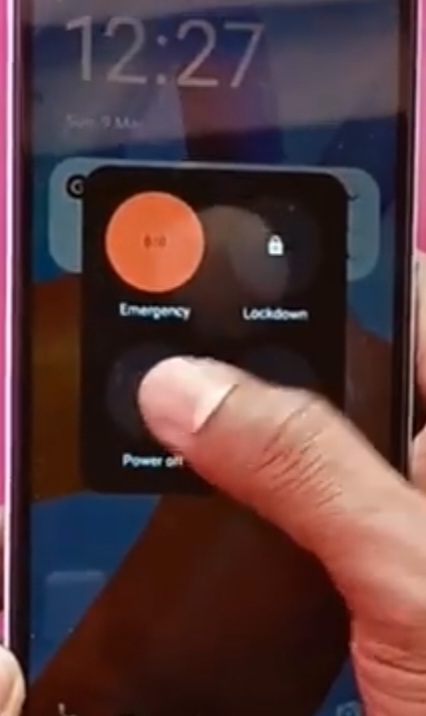
- Click on Emergency.
- Hold/Press Lock / Power button to Power Off Your Device.
- Slide Down to Power off to Power Off Your Device.
- Shutting Down to Restart Your Device.
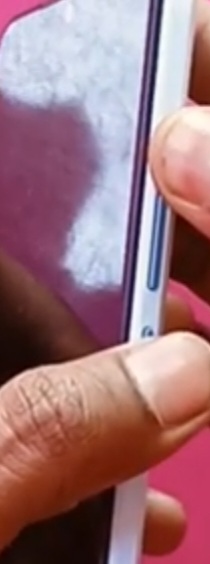
- Press/Hold Vol(+) & Power Button to Switch of Your Device.
- Press 5 sec.
- Poco (logo) is Displayed.
- Press/Hold only volume Plus Button.
- Press/Hold Power Button to Switch Off Your Device.
- Press/Hold Volume Plus Button to Switch On Your Device.
- Press/Hold Volume Plus Button to Select Wipe data.
- Hold/Press Lock/Power Button to Restart Your Device.
- Press/Hold Vol (-)/Volume Down Button.
- PressLock Button to Power off Your Device.
- Now Logo is Displayed.
- Hello! Click on (Start).
- Choose your Region Select (India).
- Press/Hold Power off/Press/Hold Power/Lock Button.

Step 2:-
- Logo is Displayed Now.
- Hello! Click on (Start).
- Choose your Region Select (India).
- Click Terms and Conditions.
- Connect to Mobile Network.
- Click on Skip.
- Connect to wi-fi.
- Click on Setup off line.
- Enable the Options.
- Click on Continue.
- Date and Time.
- Click on Next.
- Google Services.
- Click on More.
- Again Click on More.
- Click on Accept.
- Set a Pin.Set up for PIN and finger Print.
- Click on Ok.
- Getting your phone ready.
- Click on Basic Settings.
- Getting Ready……… – Press Lock/Power Button to Restart your Device.

FOR MORE INFORMATION :-
Stay tuned by subscribing our KMT youtube channel for tutorial apps and tricks to unlock more new smart phones like this,www.youtube.com/@krishmobiletraininginstitute.
