2024 : New Free Tool One Click -UnLock//Xiaomi,Vivo,Oppo,Samsung etc…., UnLock in One Click it is Clearly Explained By Team KMT in English……..
Welcome to Krish Mobile Training Institute.I am from India.I Enjoy Sharing My Knowledge and Tips and Tricks on SmartPhones.I Look Farward to Learning a Lot From You.Don’t forgot to Like and Subscribe.I Love You So Much………..
Krish Mobile Training Institute
This is my Xiaomi Oppo Model Andriod SmartPhone.unfortunately i forgot my phone Password I forgot my http://OPPO A18 PHONE PATTERN LOCK Phone Lock Screen Password which is why i can’t use this Phone.If You have Forgotten the Password of your Phone then My BLOG.Today on how to use it to UnLock the Phone.So,Let’s Start the BLOG on how to UnLock the Phone by Hard Reset if you forgot the Phone Password.Now i will Show You How To UnLock this Model SmartPhone.

DISCLAIMER :-
This is Tutorial BLOG for Educational Purpose only,try this Method Only,to UnLock Your Phone.Don’t try this Method on Stolen Phones.This is Serious Crime if you are trying to UnLock a stolen Phone Without Permission you also be Jailed.
HOW TO UNLOCK NEW FREE TOOL ONE CLICK UNLOCK 2024:-
Step 1:
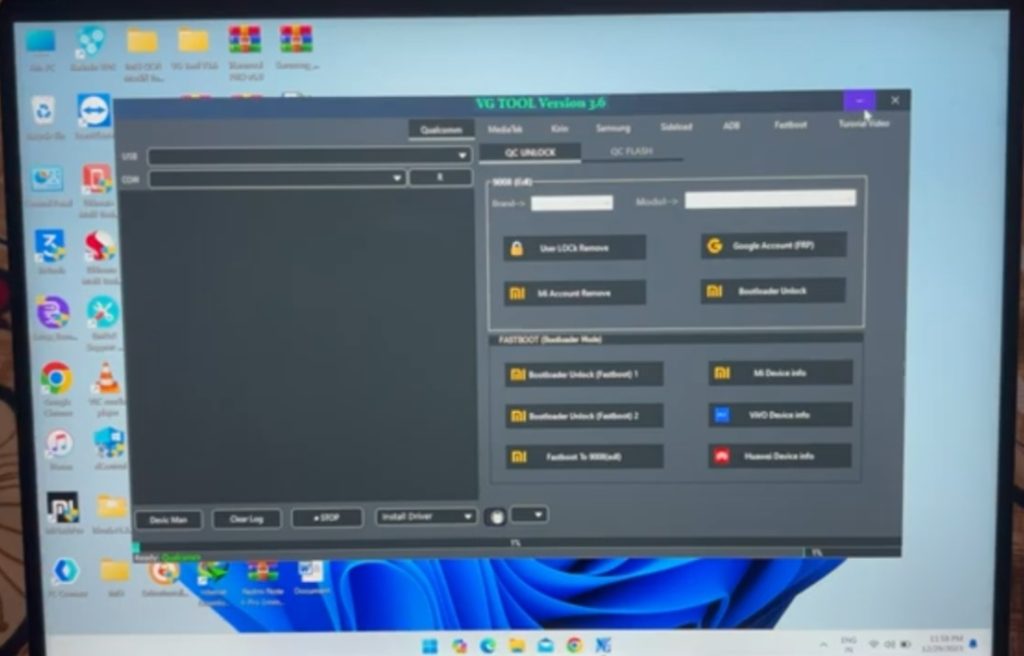
- In VG TOOL VERSION 3.6 – Click on QualComn – Click on QC UnLock – Click on Media Tek –
- Click on Qualcomn – Click on QC UnLock – In Brand – Click On Vivo – In Model –
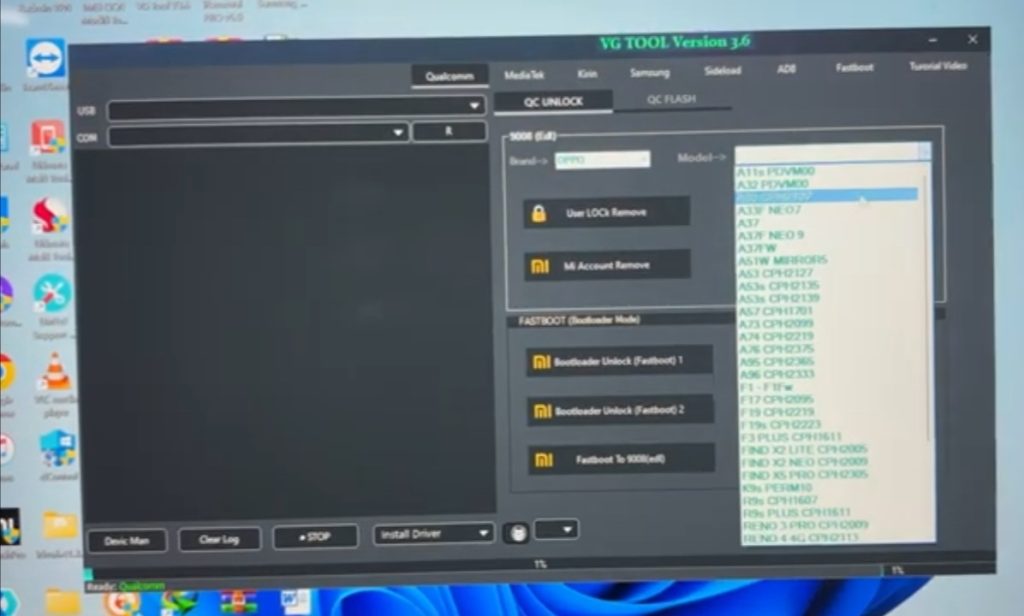
- Click on Vivo Y20-Y20S PC – 2024 – Again Change Brand Name – Oppo –
- In Model – F3 PLUS CPH1611 – Again Change Brand Name – Realme G1NL031 –
- In Brand Name – (1 Honor) – http://HOW TO UNLOCK NEW FREE TOOL 2024 In Model (1 Honor Y6 ATUI41) – In Brand Name – Samsung –
- Model Galaxy A20 – Click on UMC Click on LOCK (Symbol) Remove –
- Click on Google (Symbol) Account (FRP) – Click on MI (Symbol) Account Remove –
Krish Mobile Training Institute

Step 2:
- Click on MI (Symbol) Boot Loader UnLock – Click on Media Tek –
- Click on Universal Auto UnLock – Click on Loader – Click on Erase FRP Samsung –
- Click on Qualcomn – Click on QC UNLOCK – Click on < – Go to The Home Screen –
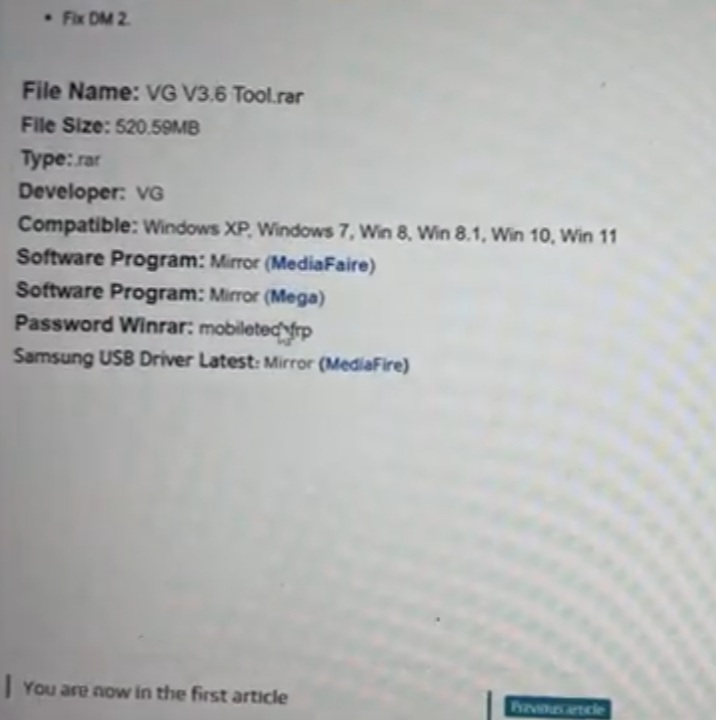
- Click on Google – Search Mobi Tech FRP Tool – Click on Mobile Tech – Open Link in the Web –
- Click on Open VG Tool V3.6 Latest Download – Scroll Up –
- Click on Software Program:Mirror (Mege) – Now,Logo is Displayed – Click on Save –
- Close the Web Page – Again Close Web Page – Again Close Web Page –
- Click on VG TOOL Version 3.6 ICON (Give a Right Click On Mouse ) –

Step 3:
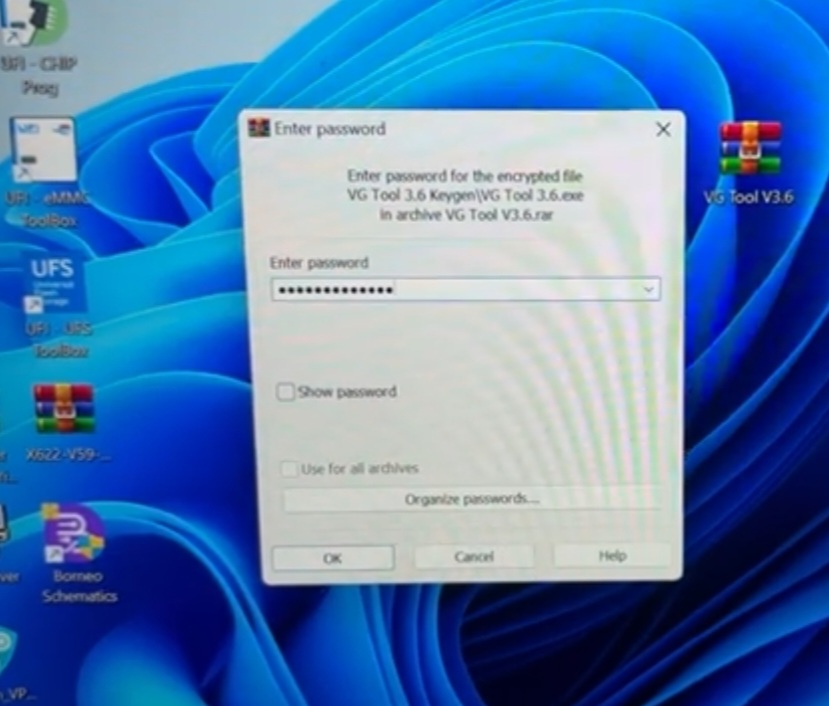
- WINRAR Page is Displayed – Enter Password – Click on Right Arrow –
- Click on Extracting From VG Tool – Click on VG Tool V 3.6 – Again Click on VG TOOL V 3.6 –
- Give Your Password and Select and also Copy Give a Right Click – Click on < –
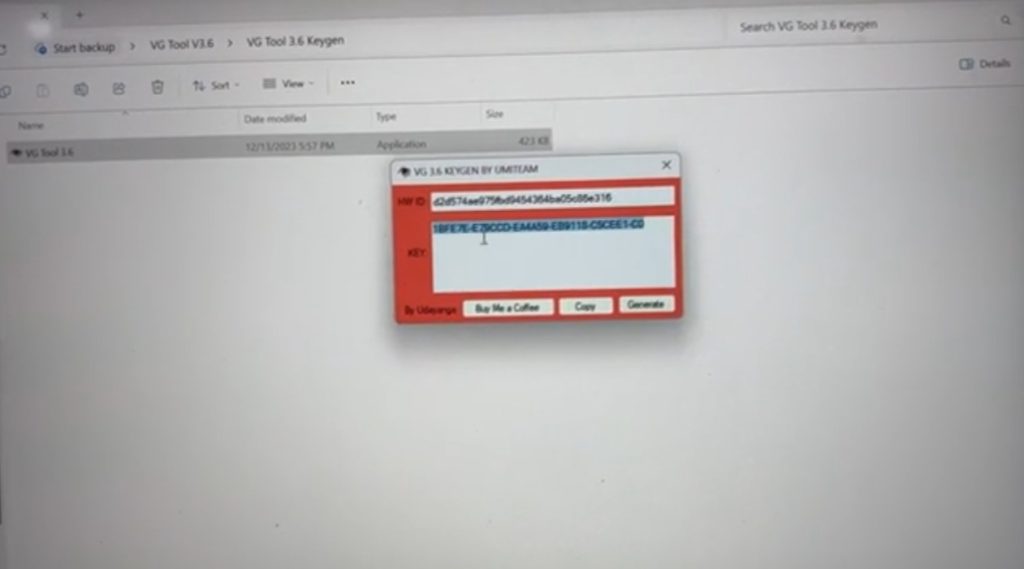
- Click on VG Tool 3.6 Keygm – Click on VG Tool 3.6 – In HW ID Paste the Selected Password –
- Click on Generate – Select Copy – Click on Copy Ok – Click on Ok – Click on X – Click Paste –
- Click on Login – Click on VG Tool Version 3.6 – Click on Side Load –
- Click on Bootloader UnLock Note 8 (in Sideload) –
- Click on Qualcomn – Click on QC UnLock.
FOR MORE INFORMATION :-
Stay tuned by subscribing to Our KMT Youtube Channel For Tutorial Apps and Tricks to UnLock More New SmartPhones like this,www.youtube.com/@krishmobiletraininginstitute.